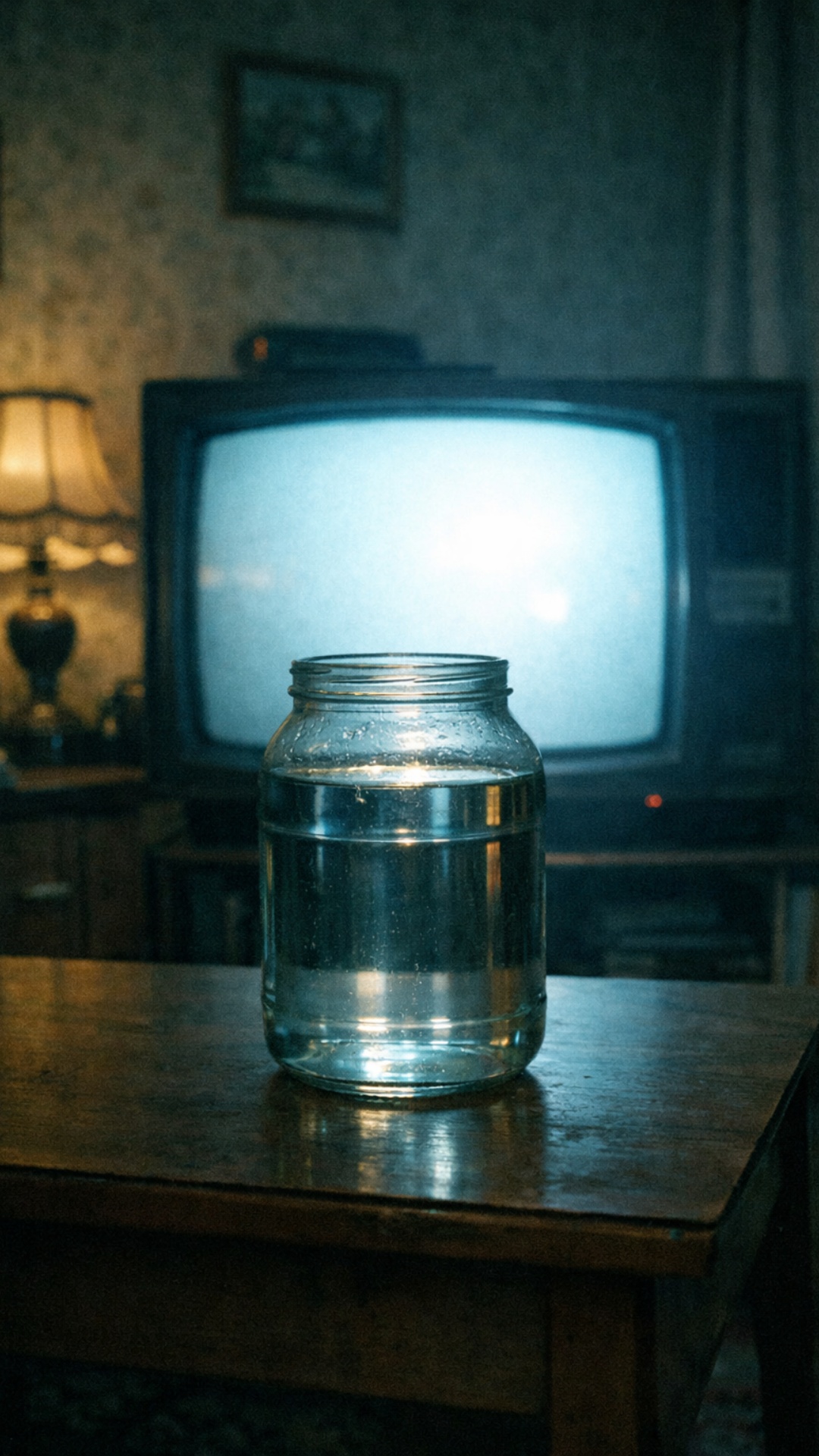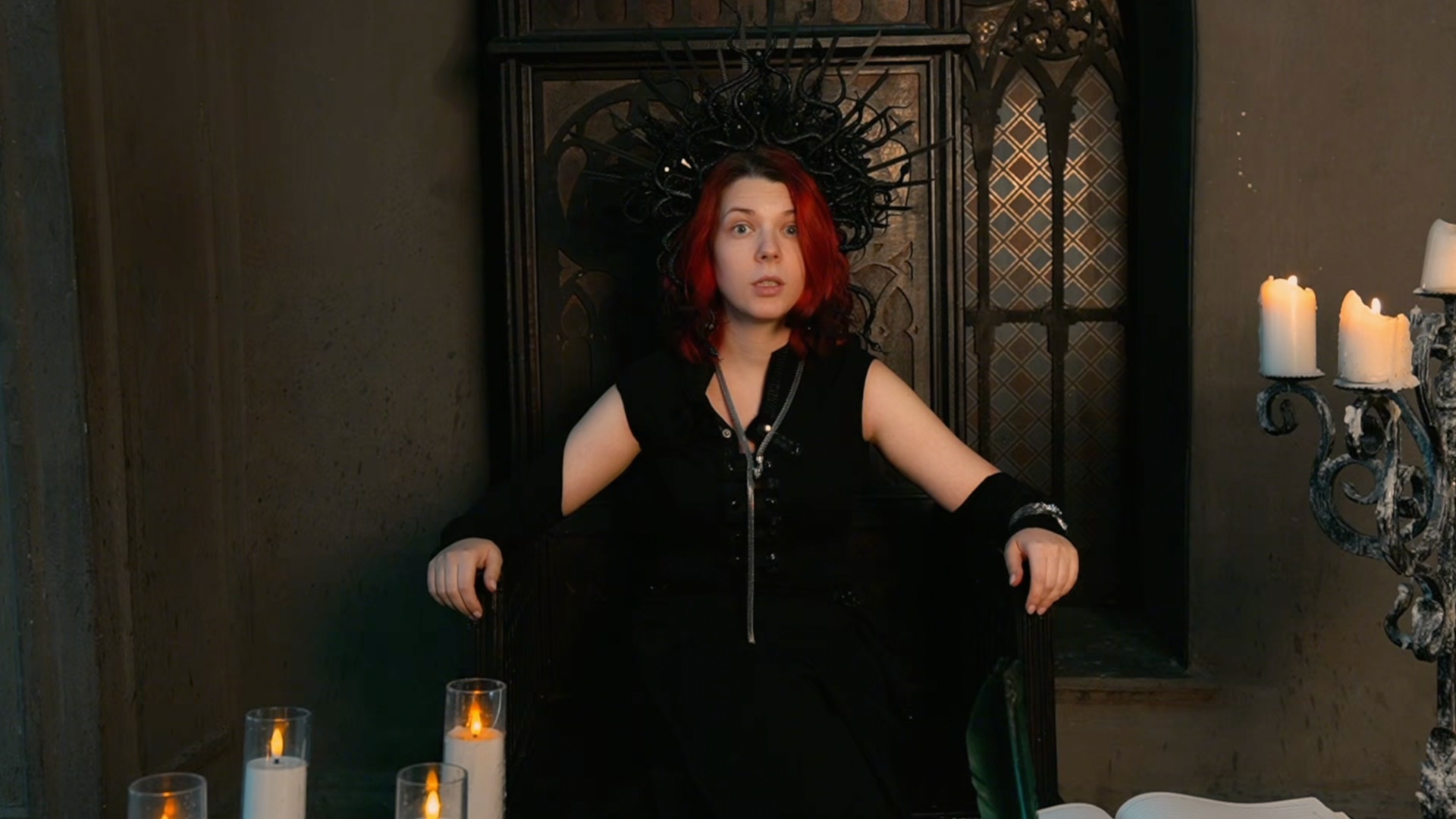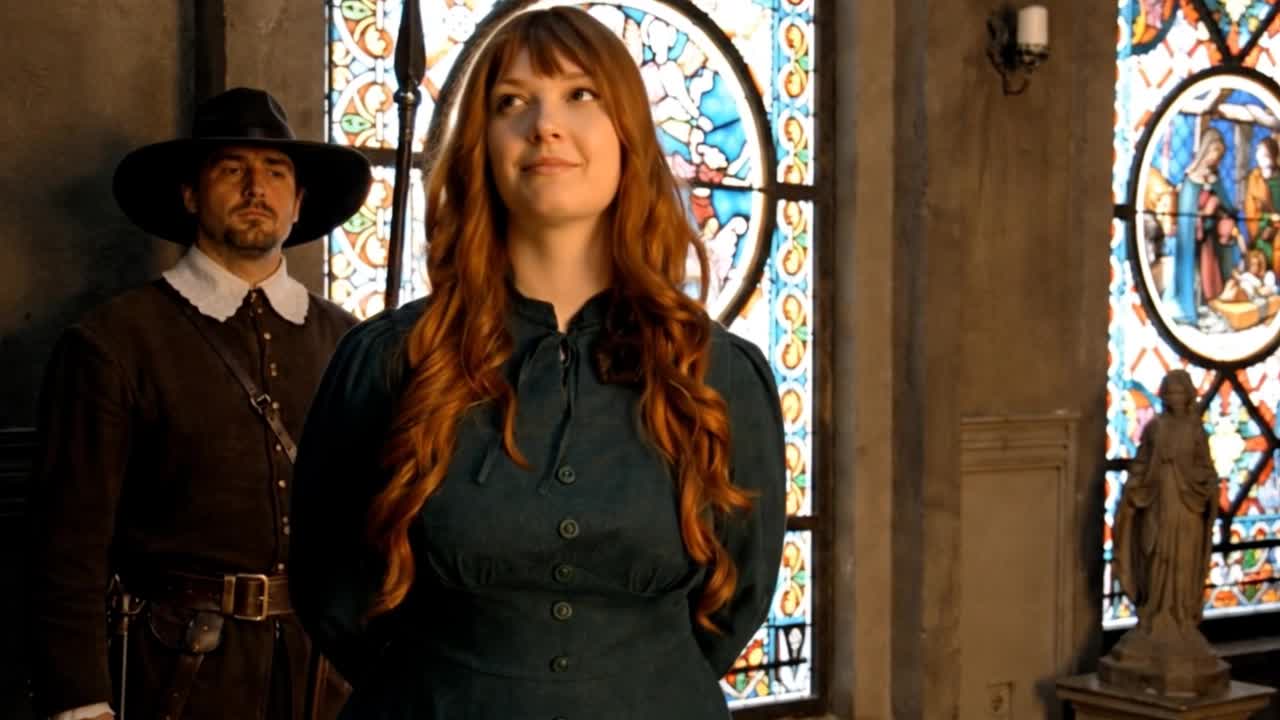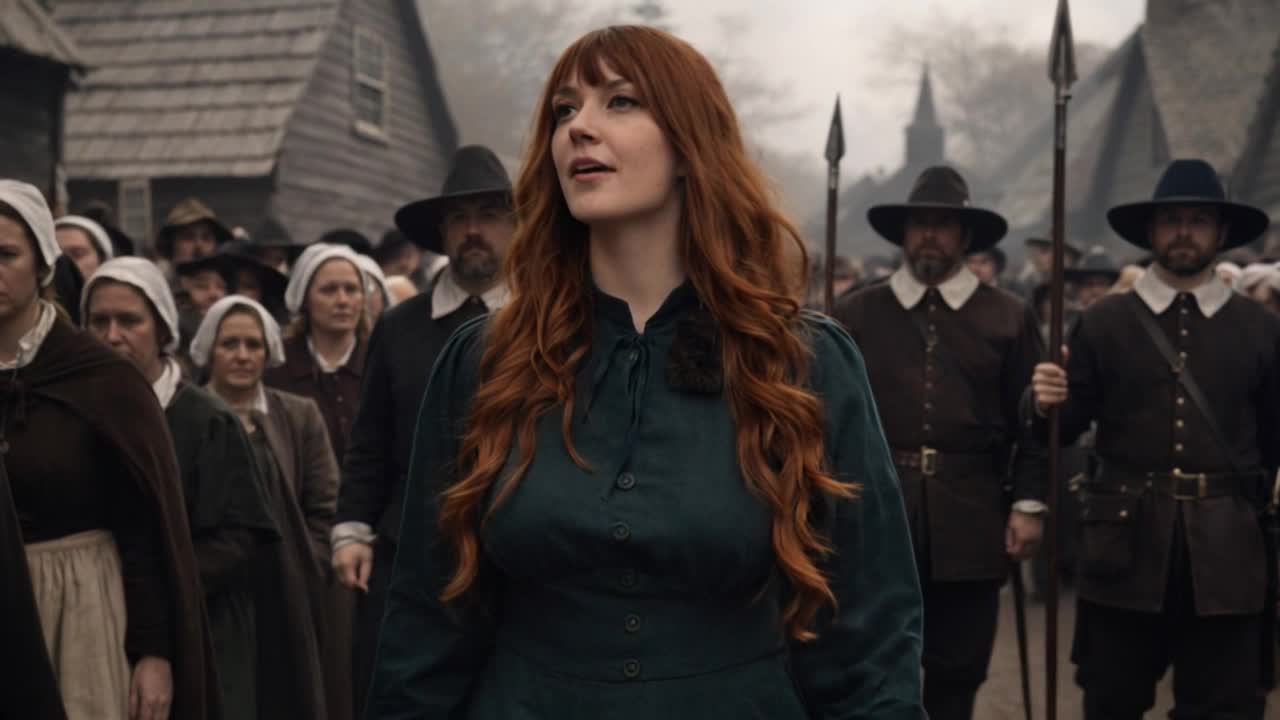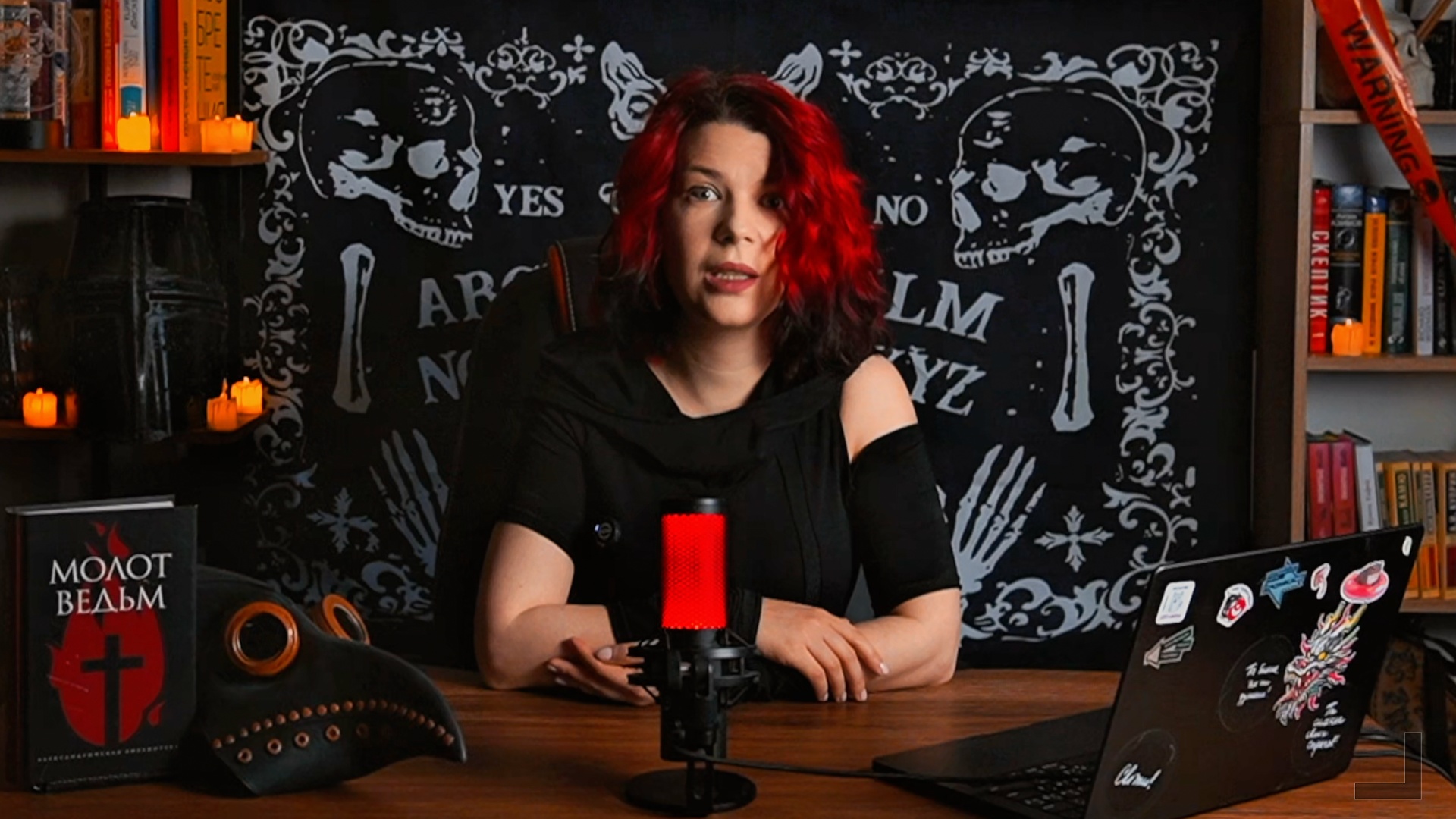
Create a cinematic flicker transition between Image 1 and Image 2. Preserve identity strictly: — do NOT change facial structure, proportions, skin tone, or hair color — both faces must remain exactly as in their respective images — no distortion, no morphing artifacts, no face reshaping CAMERA: Locked-off shot (no camera movement). Close-up or medium close-up framing, centered face. TRANSITION STYLE (MAIN EFFECT): Use a flickering transition: — the face alternates rapidly between Image 1 and Image 2 — like blinking or glitch-like perception (but still realistic, not digital glitch) TIMING: — start slow: mostly Image 1 with brief flashes of Image 2 — gradually increase flicker frequency — mid-phase: balanced alternation between both faces — final phase: Image 2 dominates and stabilizes IMPORTANT: This is NOT a morph. Faces should SWITCH, not blend. LIGHTING: — match lighting direction and color temperature between both images — ensure consistent shadows and highlights across flick
Free to start · Generate videos and images with AI in seconds