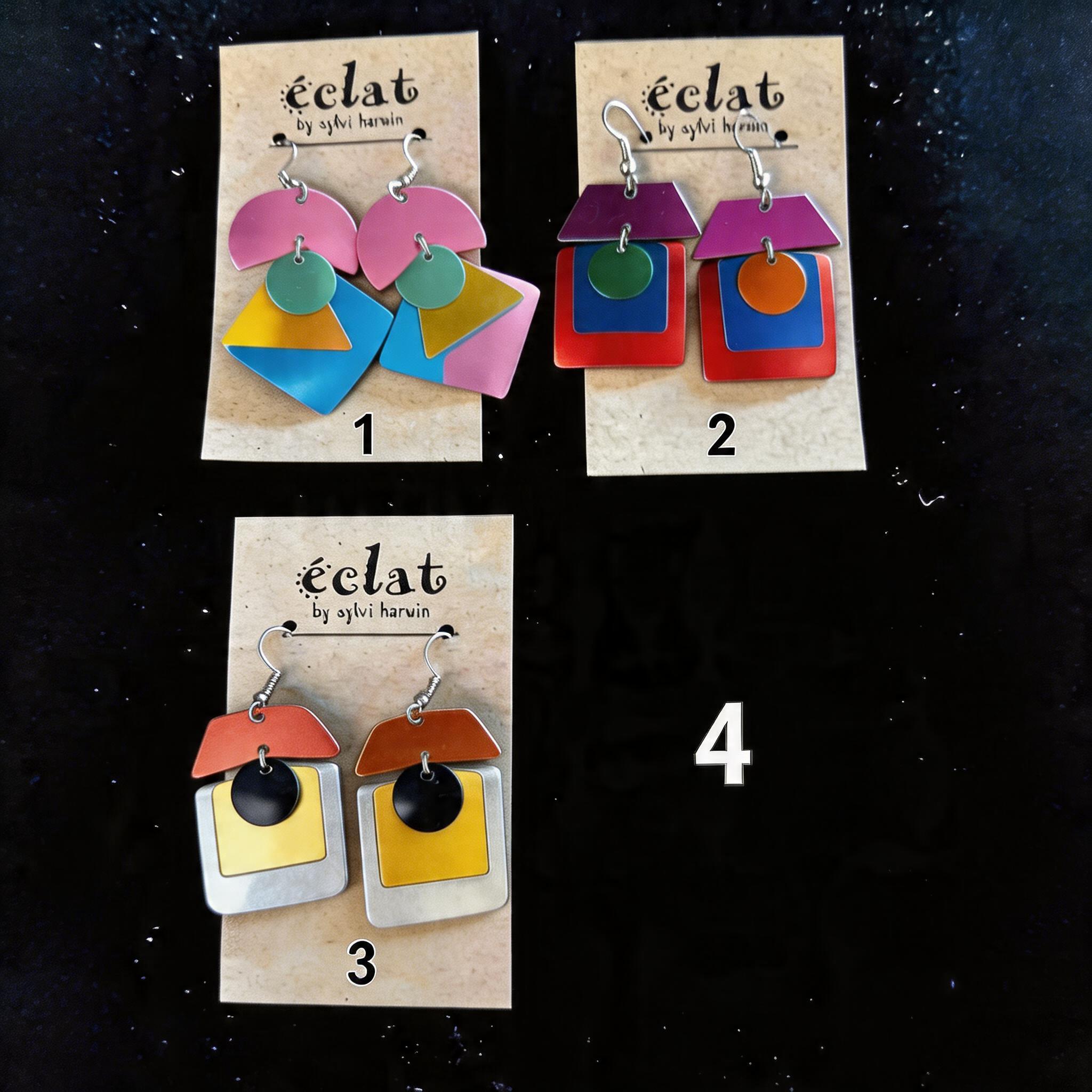
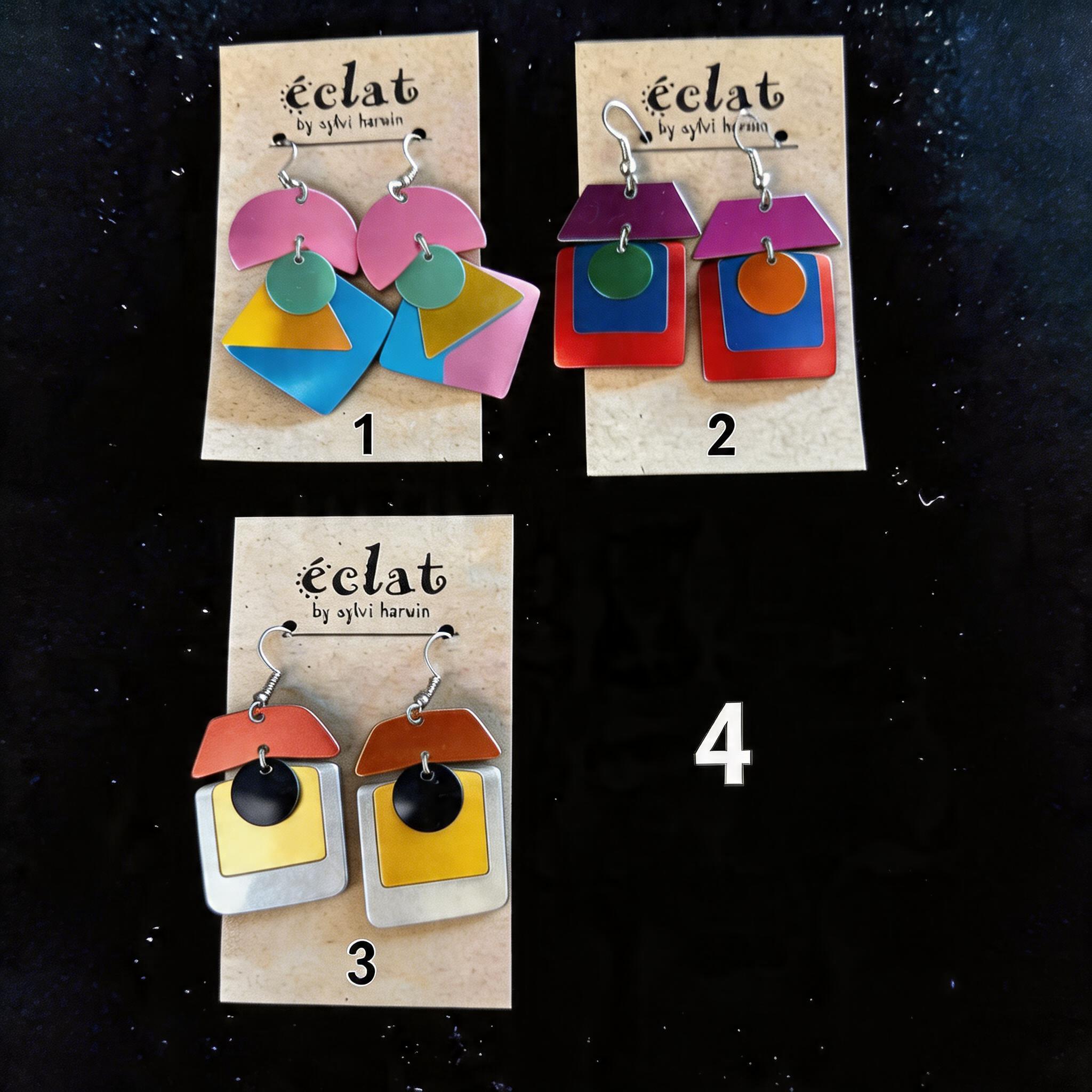
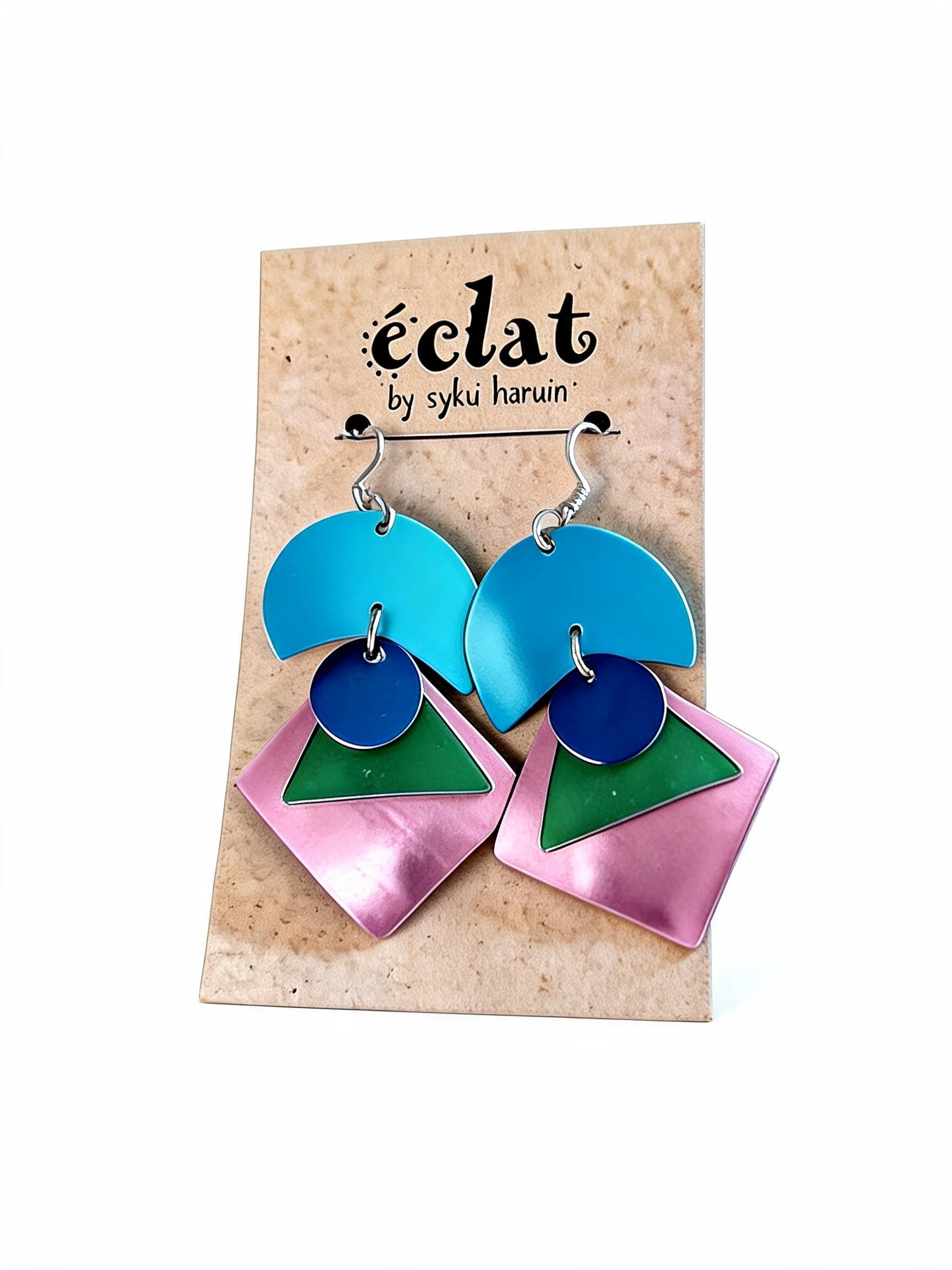
Create a composite image by arranging the first three provided images into a 2x2 grid, using the fourth image as a style reference for the layout. The background of the composite image should be a solid dark color. Place the first image in the top-left quadrant and label it with the number '1'. Place the second image in the top-right quadrant and label it with the number '2'. Place the third image in the bottom-left quadrant and label it with the number '3'. The bottom-right quadrant should be left empty, but labeled with the number '4'. The final image should be a clean, organized product display.