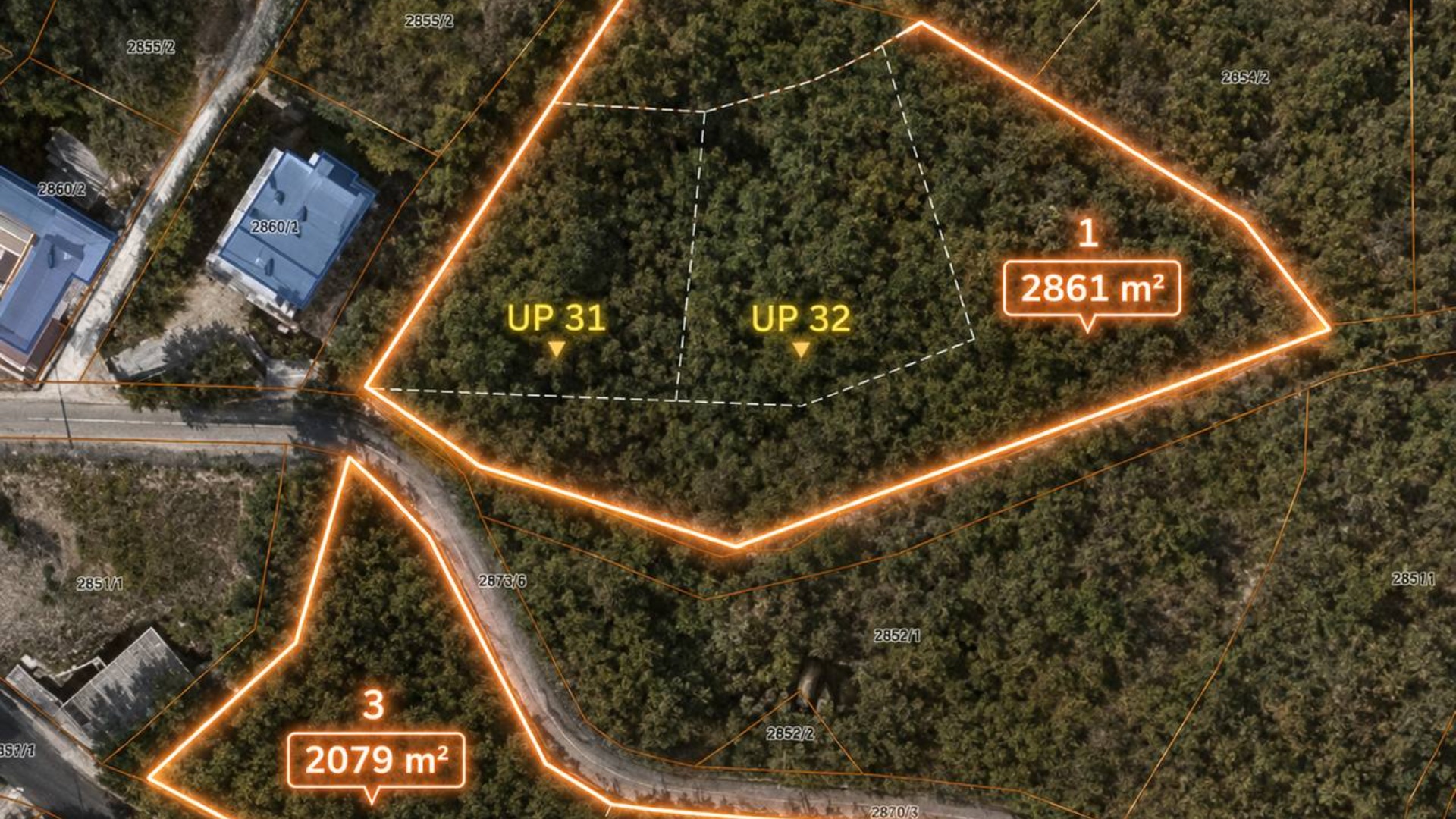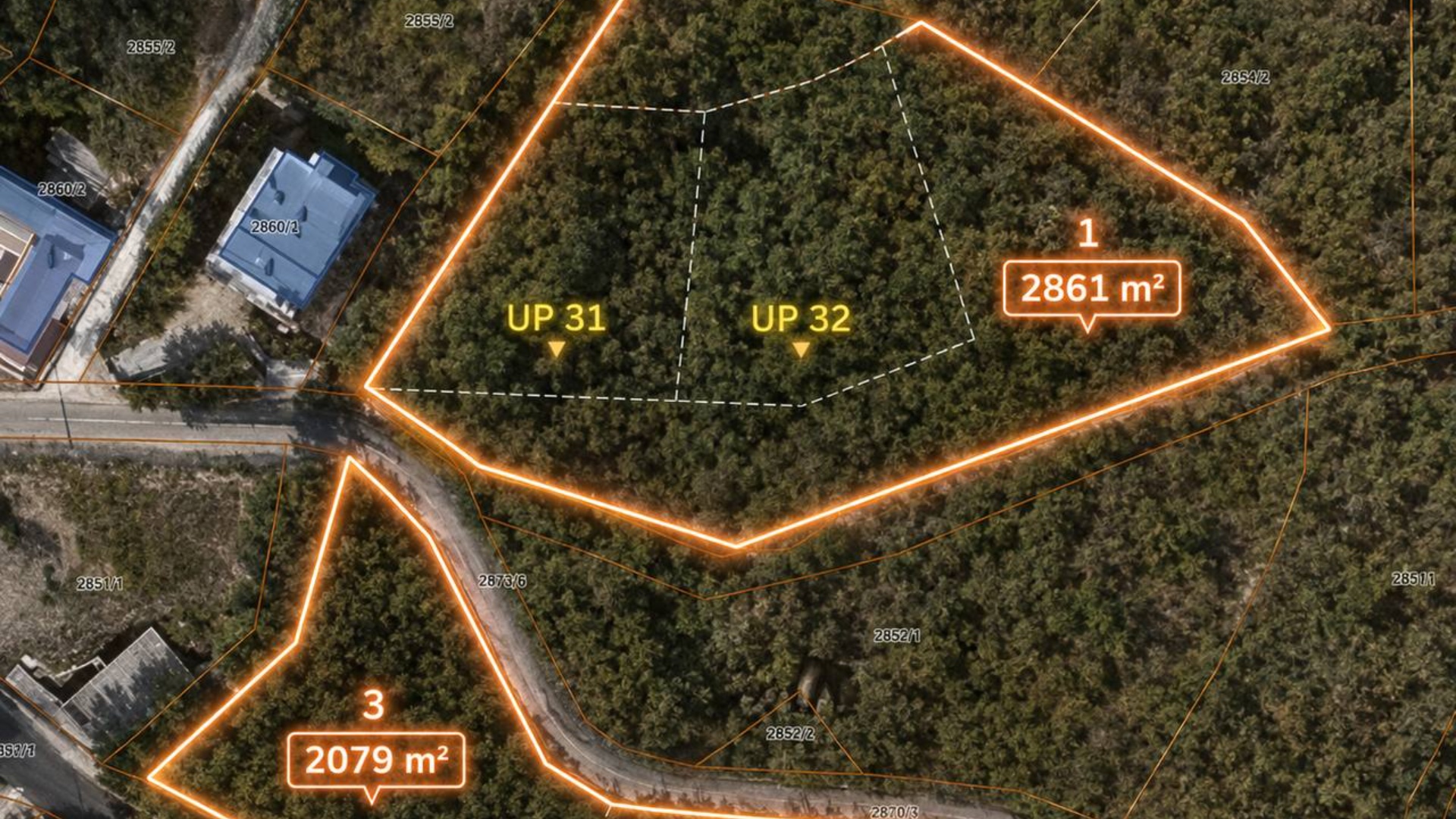
Use the uploaded aerial top-down site plan image as the exact starting frame and spatial reference. Create a highly realistic cinematic construction timelapse video, 3-4 seconds long, viewed strictly from a bird’s-eye aerial perspective. The camera remains mostly top-down throughout the video, with only very subtle smooth drone-like floating motion and slight cinematic movement. No aggressive zooms, no sharp turns, no camera shaking. BEGINNING OF VIDEO: The scene starts with the existing aerial site plan exactly as shown in the uploaded image. The glowing orange border around the land plots is already visible. Animate the orange glowing boundary lines so they softly travel along the perimeter edges of each highlighted land parcel, as if the borders are being traced by flowing light. The glowing animation must move smoothly and elegantly around the plot outlines: – first around the upper plot containing UP 31 and UP 32; – then around the lower plot containing UP 53 and UP 54.
Free to start · Generate videos and images with AI in seconds