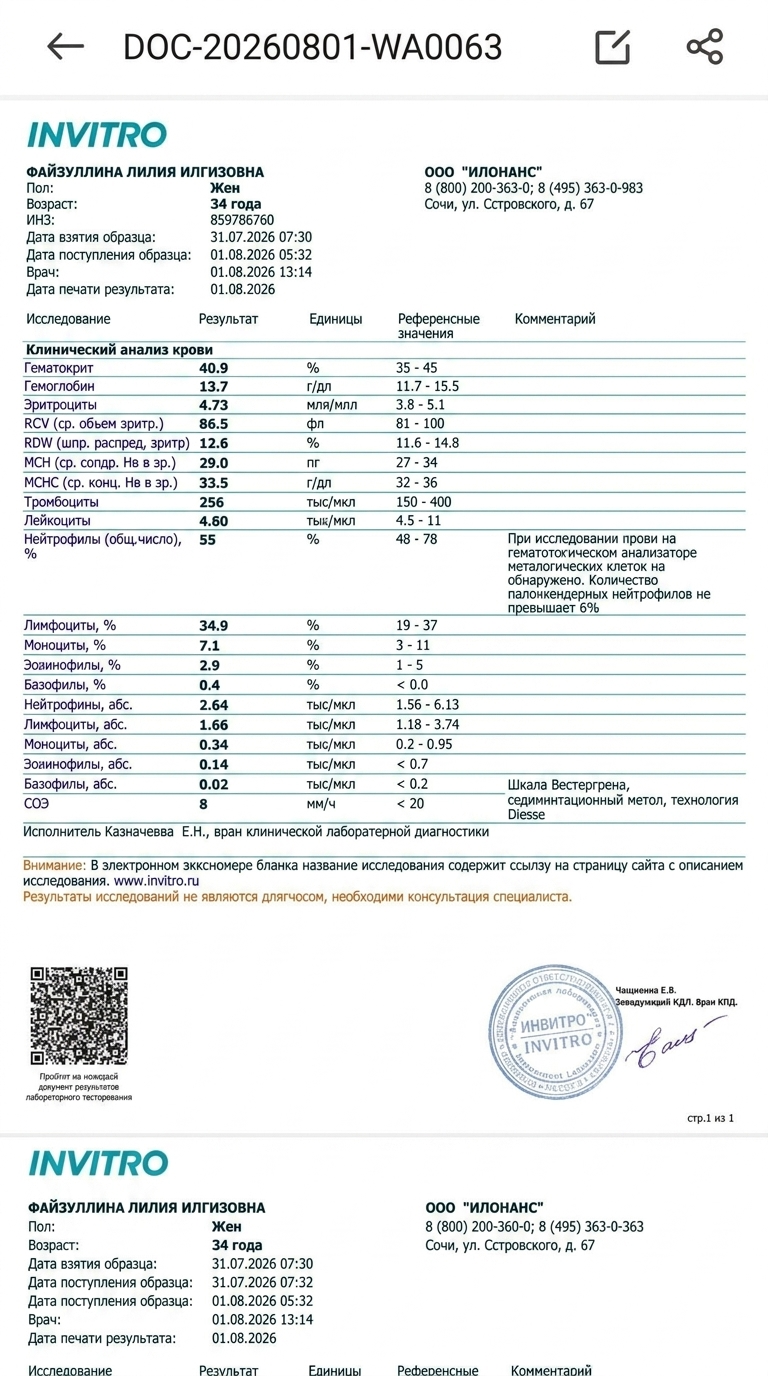
Modify the text in the uploaded medical document image while perfectly preserving the original font, layout, background texture, and overall document structure.
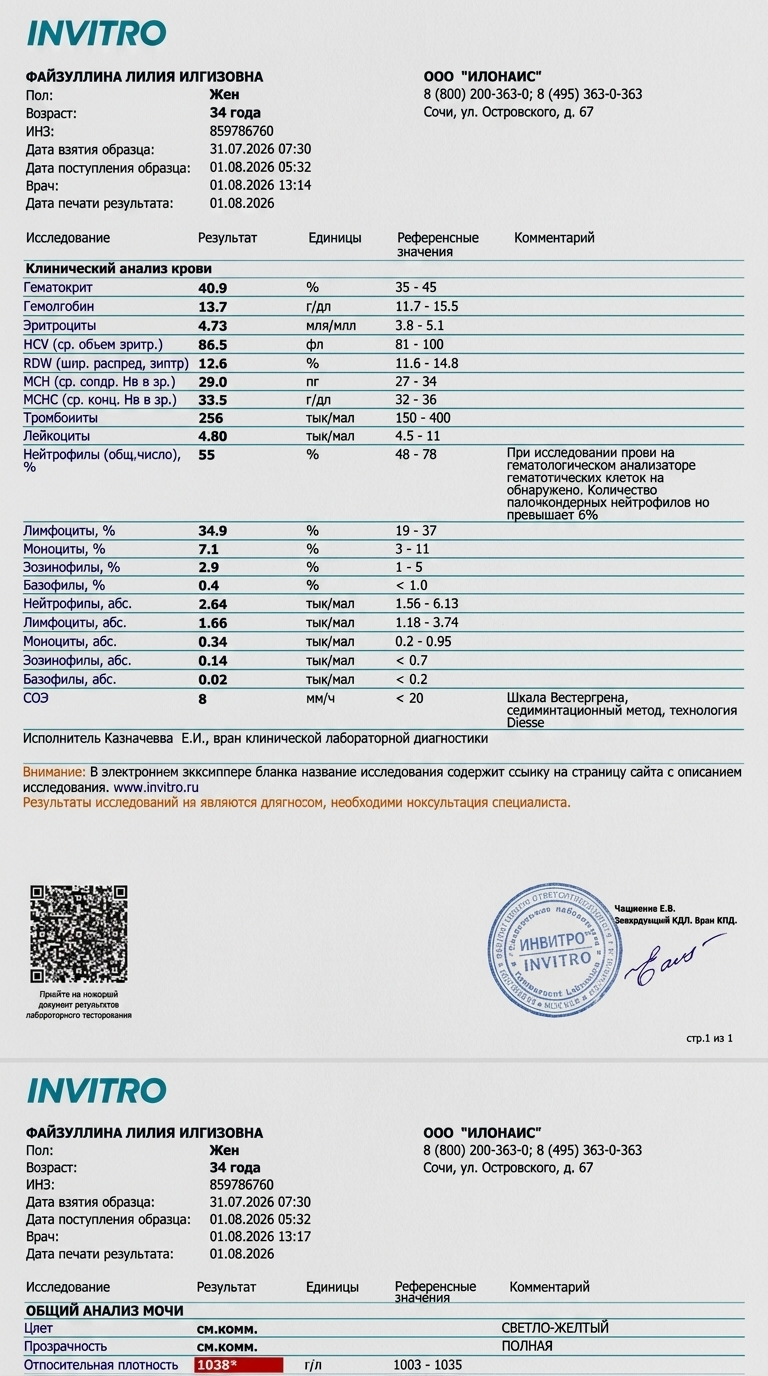
Make the following exact text replacements in both the top and bottom analysis blocks:
1. In the 'Возраст' (Age) field, change '33 года' to '34 года'.
2. In the 'Дата взятия образца' (Sample collection date) field, change the date from '27.06.2025' to '31.07.2026' (keep the time '07:30' as is).
3. In the 'Дата поступления образца' (Sample receipt date) field, change the date from '28.06.2025' to '01.08.2026' (keep the time '05:32' as is).
4. In the 'Врач' (Doctor timestamp) field, change the date from '28.06.2025' to '01.08.2026' (keep the time '13:14' or '13:17' as is).
5. In the 'Дата печати результата' (Result print date) field, change '28.06.2025' to '01.08.2026'.
Ensure all edited text looks completely natural, matches the surrounding blue and black text fonts, sizes, and alignments precisely, with no digital artifacts or blurriness around the modified areas.