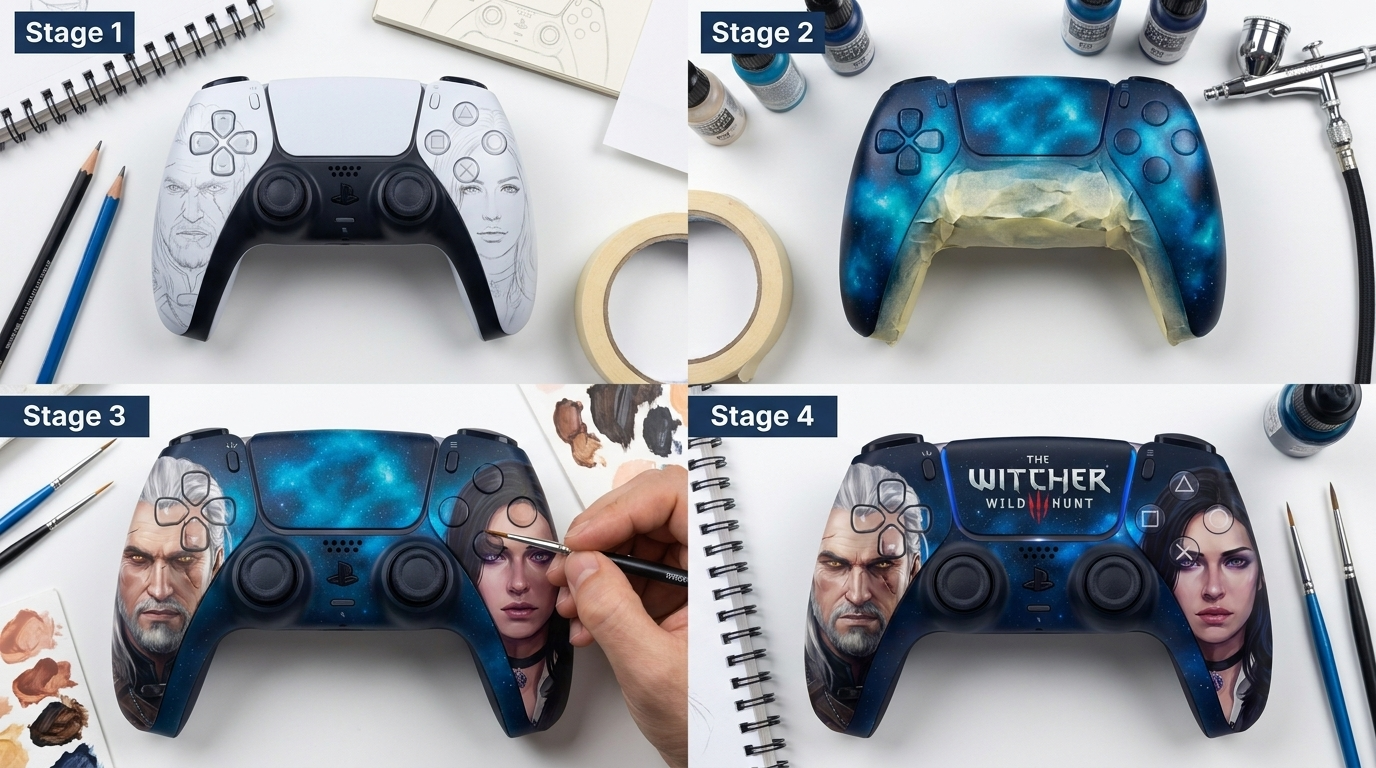
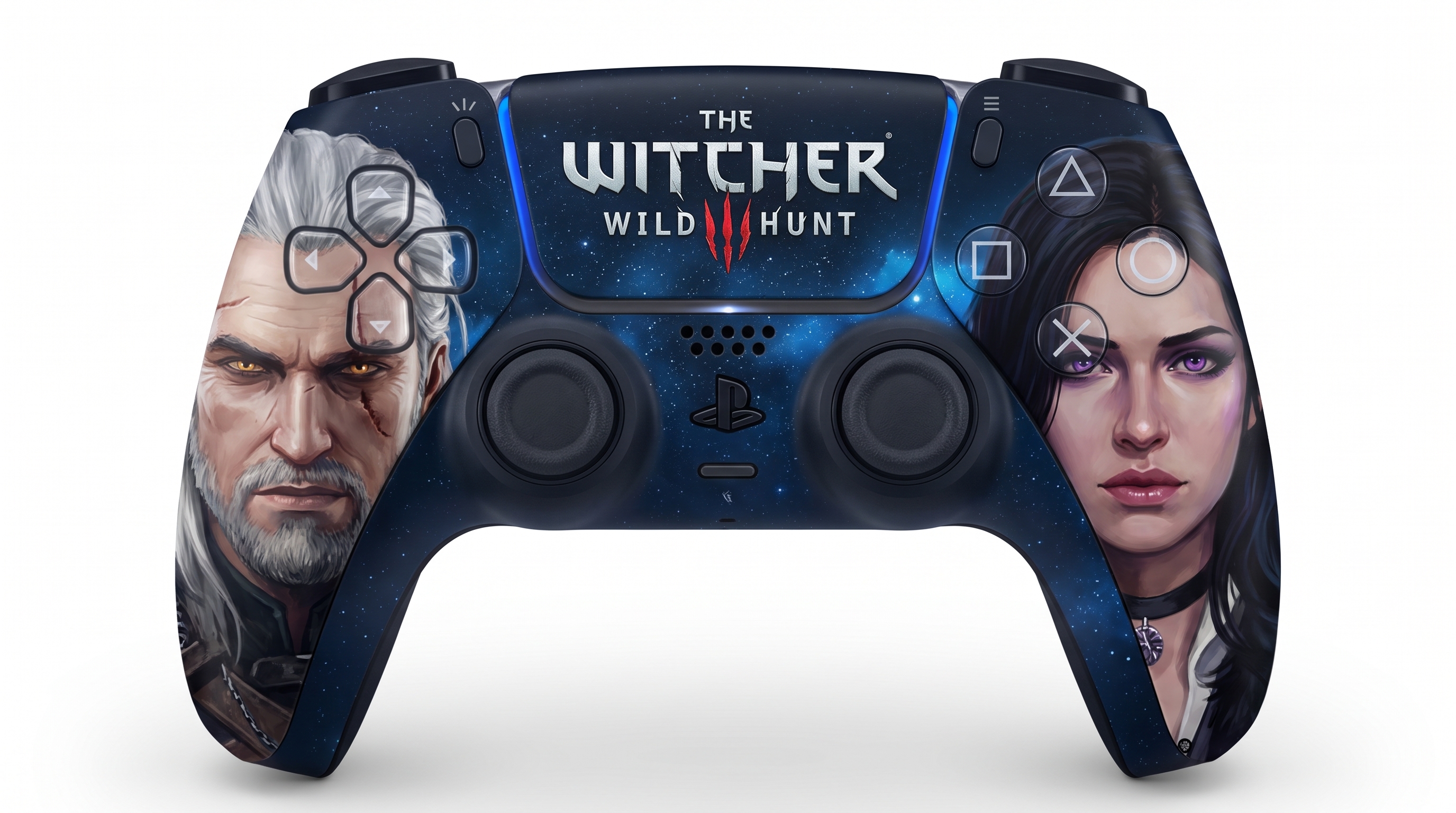
A step-by-step visual tutorial grid collage (infographic layout) showing how to custom paint/airbrush a PlayStation 5 DualSense controller with a Witcher 3 theme, referencing the uploaded design. The collage displays 4 sequential progress stages on a clean artist workbench with paints, fine detail brushes, masking tape, and airbrush equipment: Stage 1: Clean base controller with pencil/white paint sketch outlines of Geralt on the left grip and Yennefer on the right grip. Stage 2: Airbrushing the deep cosmic starry galaxy background in rich dark blue and cyan nebula across the center touchpad and body. Stage 3: Detailed hand-painting of the portraits of Geralt and Yennefer, painting facial features, hair, eyes, and shadows with fine acrylic brushes. Stage 4: Painting 'The Witcher 3 Wild Hunt' logo lettering and glowing blue LED highlights, showing the finished masterpiece. Professional craft tutorial photography, bright clean lighting, sharp focus, educational infographic style.