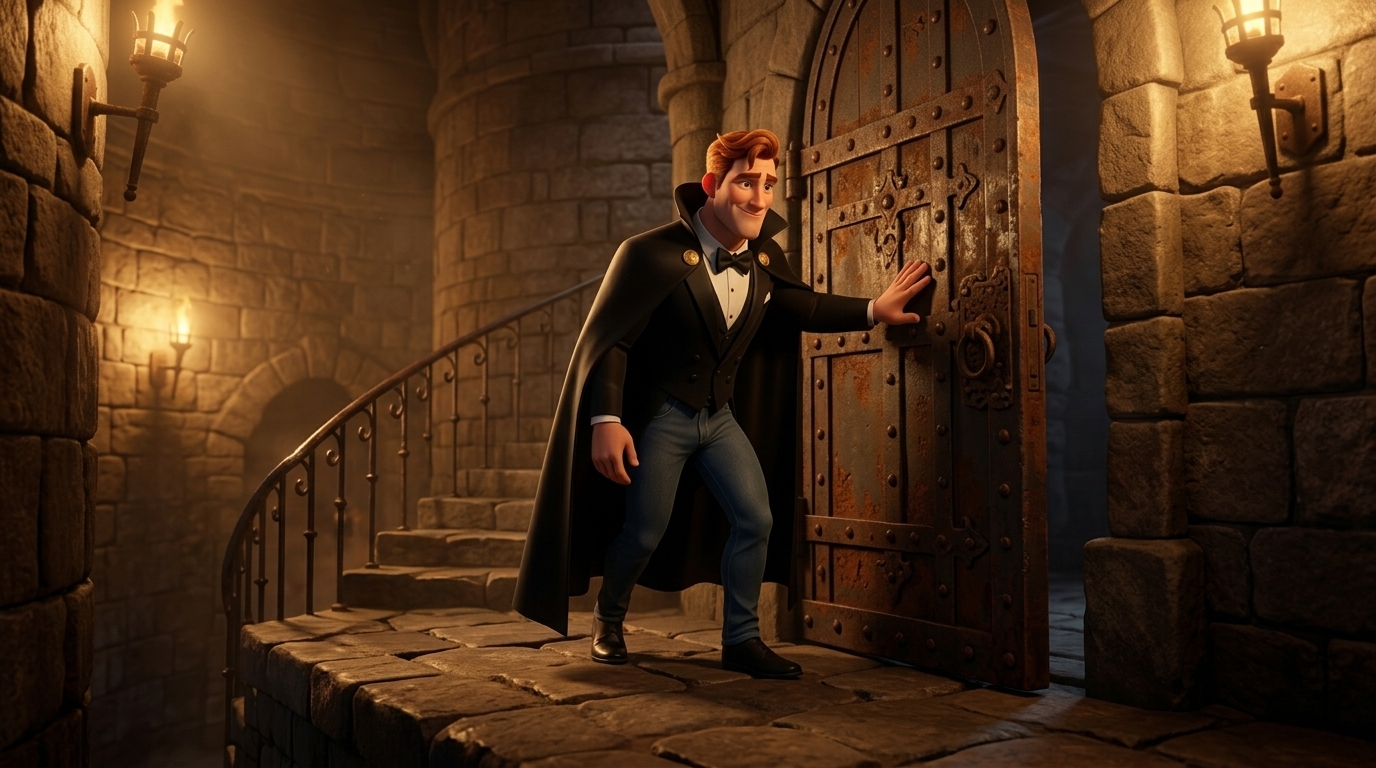


Art style: 3D Pixar. Каменная башня с массивной металлической дверью в подвале замка на верхней площадке. Средний план с низкого угла, Абракадабр толкает дверь рукой и делает шаг внутрь. Теплый желтый свет от настенных фонарей отбрасывает длинные тени на каменные ступени. Атмосфера напряженная и загадочная, палитра теплых коричневых и золотистых тонов. Абракадабр стоит в центре кадра, повернут к лестнице, взгляд устремлен вниз. ━━━━━━━━━━━━━━━━━━━━━━━━━━━━━━━━━━━━━━ FINAL STYLE ENFORCEMENT (this is the authoritative rendering directive — it overrides any style wording elsewhere in the prompt): Render this image in the following art style: Pixar-style 3D computer animation (Pixar / Disney feature-film look) — fully volumetric 3D rendering with rounded dimensional forms, soft subsurface-scattering skin, physically based materials, soft global illumination, warm cinematic key light, gentle depth of field, vibrant family-friendly colours. CRITICAL: EVERY element — characters, foliage, trees, animals, water, sky, props and the entire environment — must be rendered as polished 3D CGI with real depth and form. This is NOT flat 2D illustration, NOT a watercolour or storybook painting, NOT cel-shaded anime. Every surface, skin, fabric, material, and environmental element must be rendered in this idiom. Character appearance reference (MUST match exactly): - Абракадабр: IMAGE EDIT of the attached reference image — it is the SAME character. Keep the composition, pose, framing, facial identity, art style, kit, background and every other detail EXACTLY as in the reference. Change ONLY this: add charm, gentle warm smile, kind crinkles around the eyes. RENDER REGISTER (apply to the WHOLE frame — lighting, colour grade, character finish, effects intensity): add charm, gentle warm smile, kind crinkles around the eyes
Free to start · Generate videos and images with AI in seconds