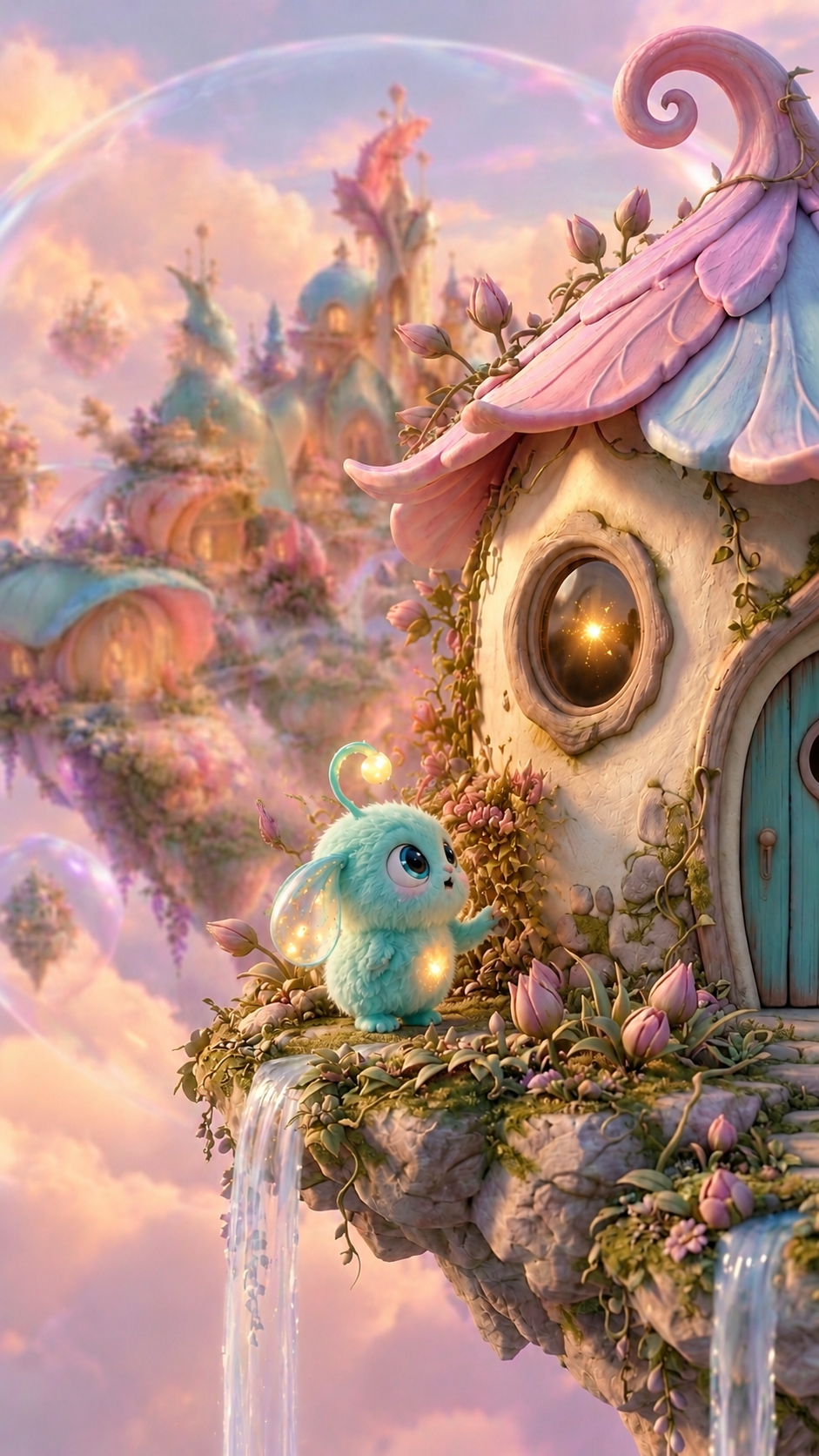
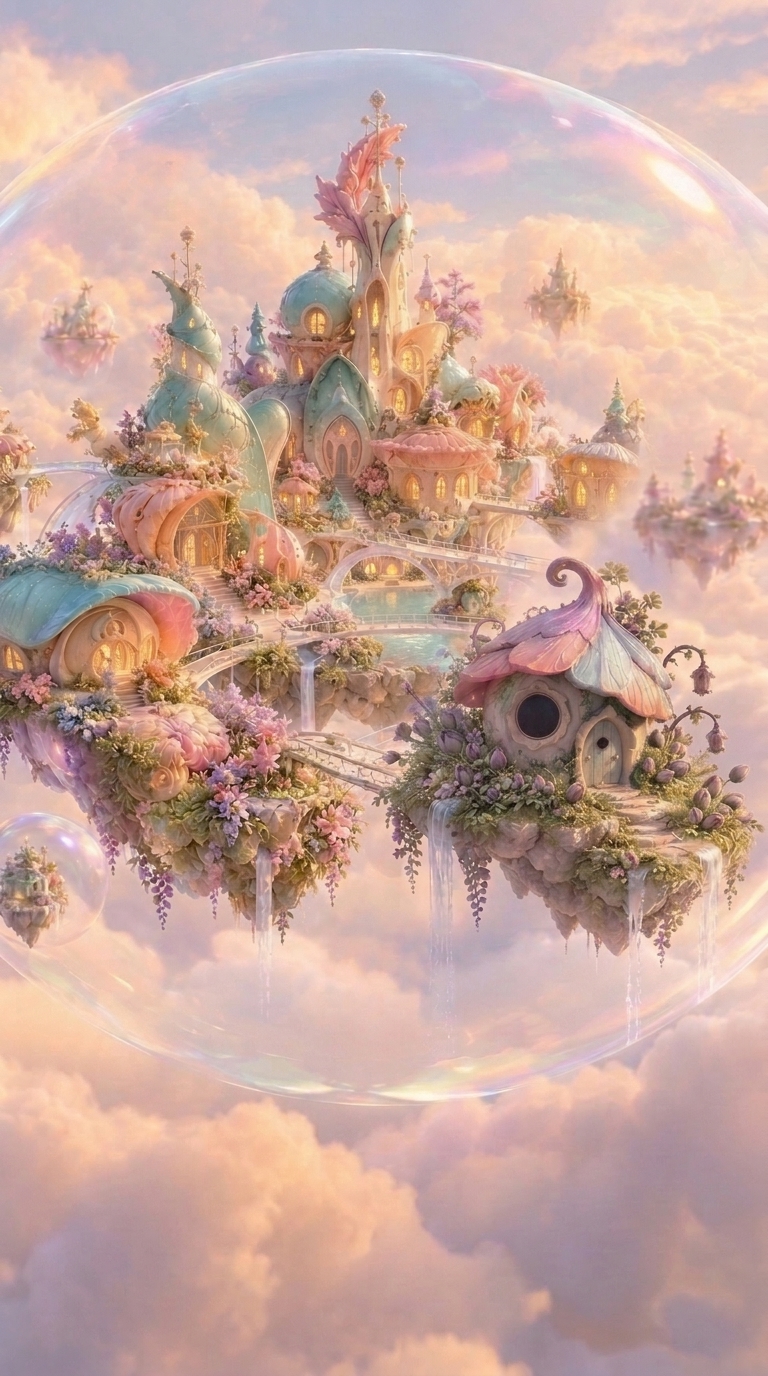
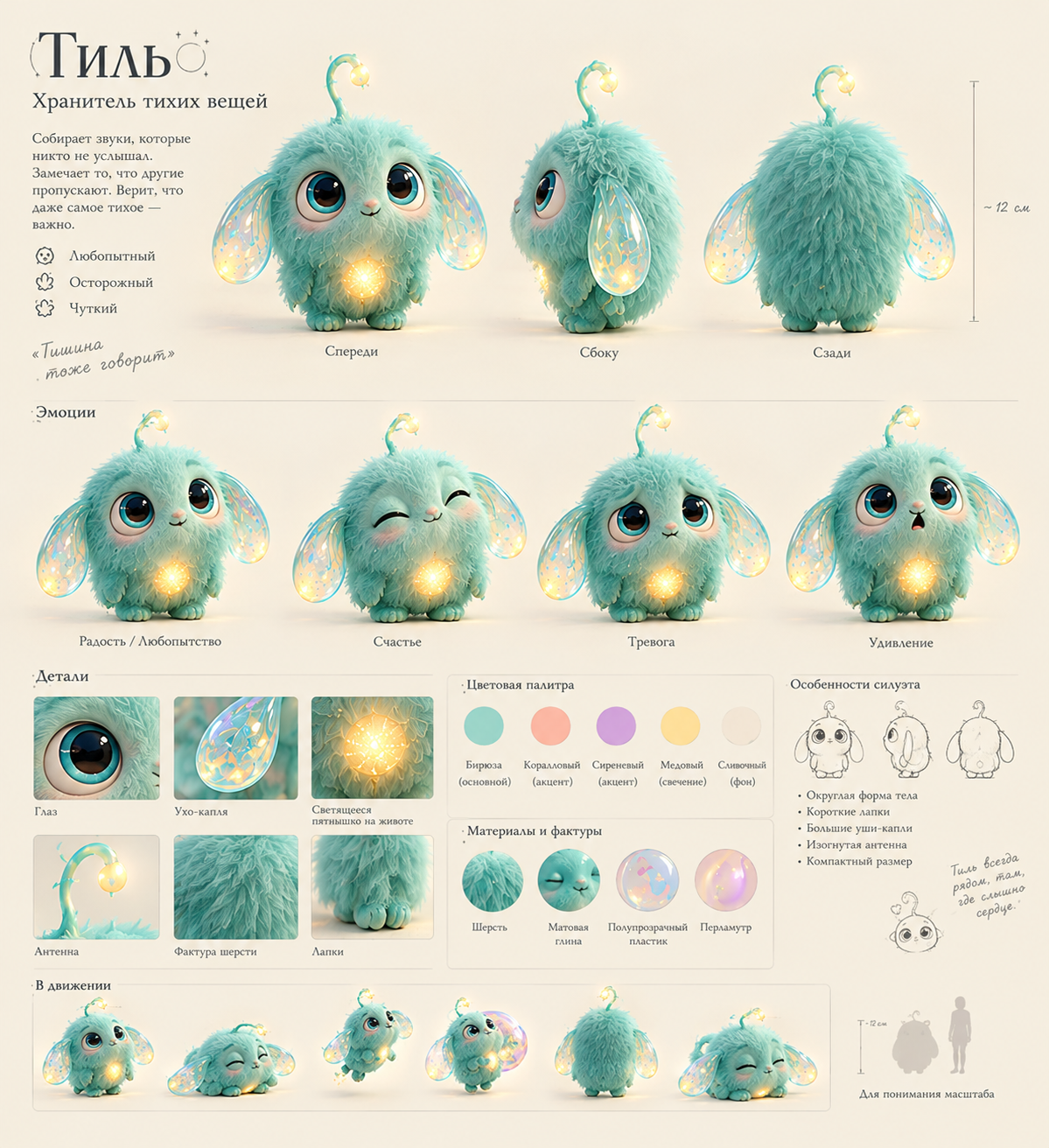
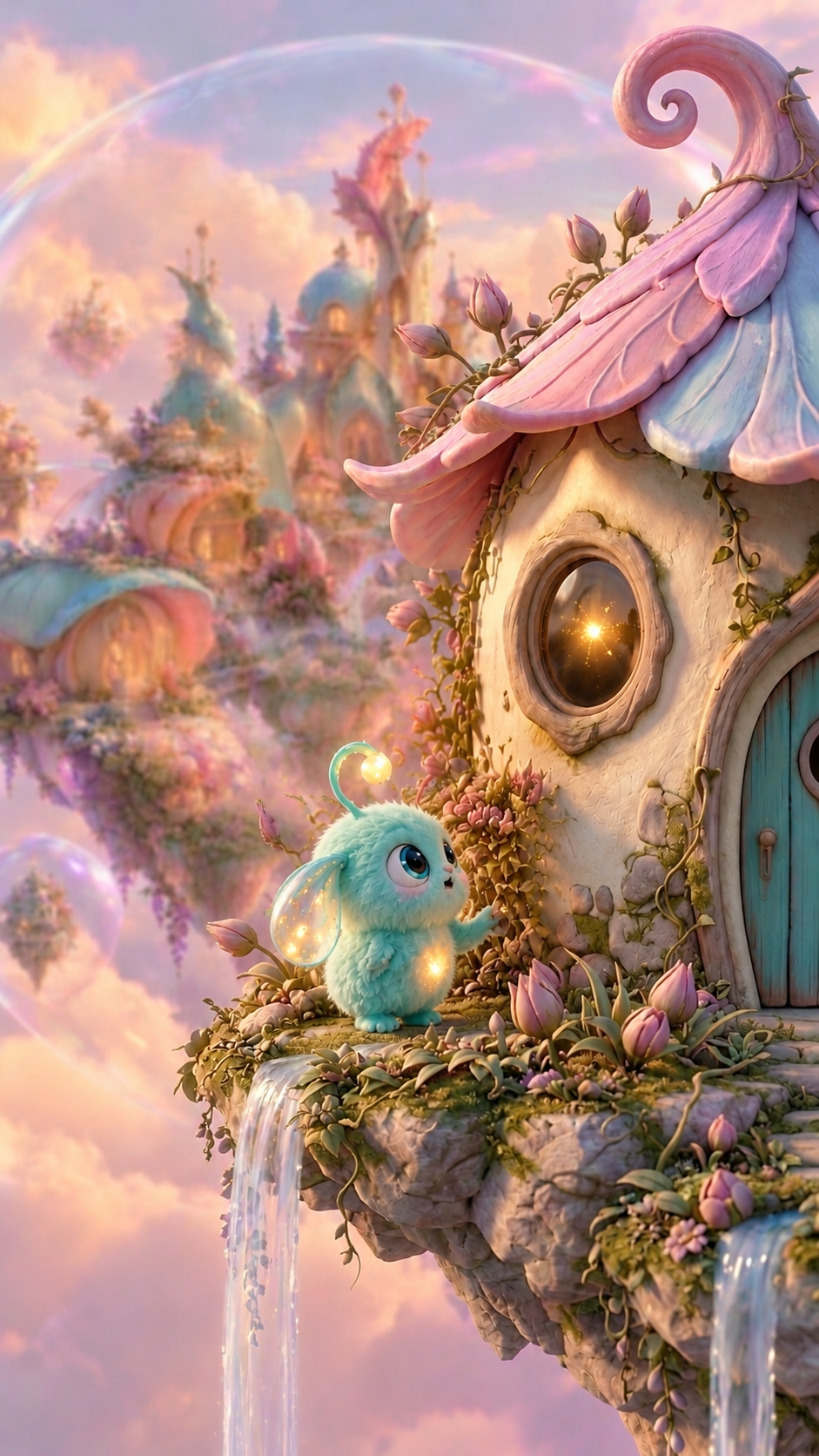
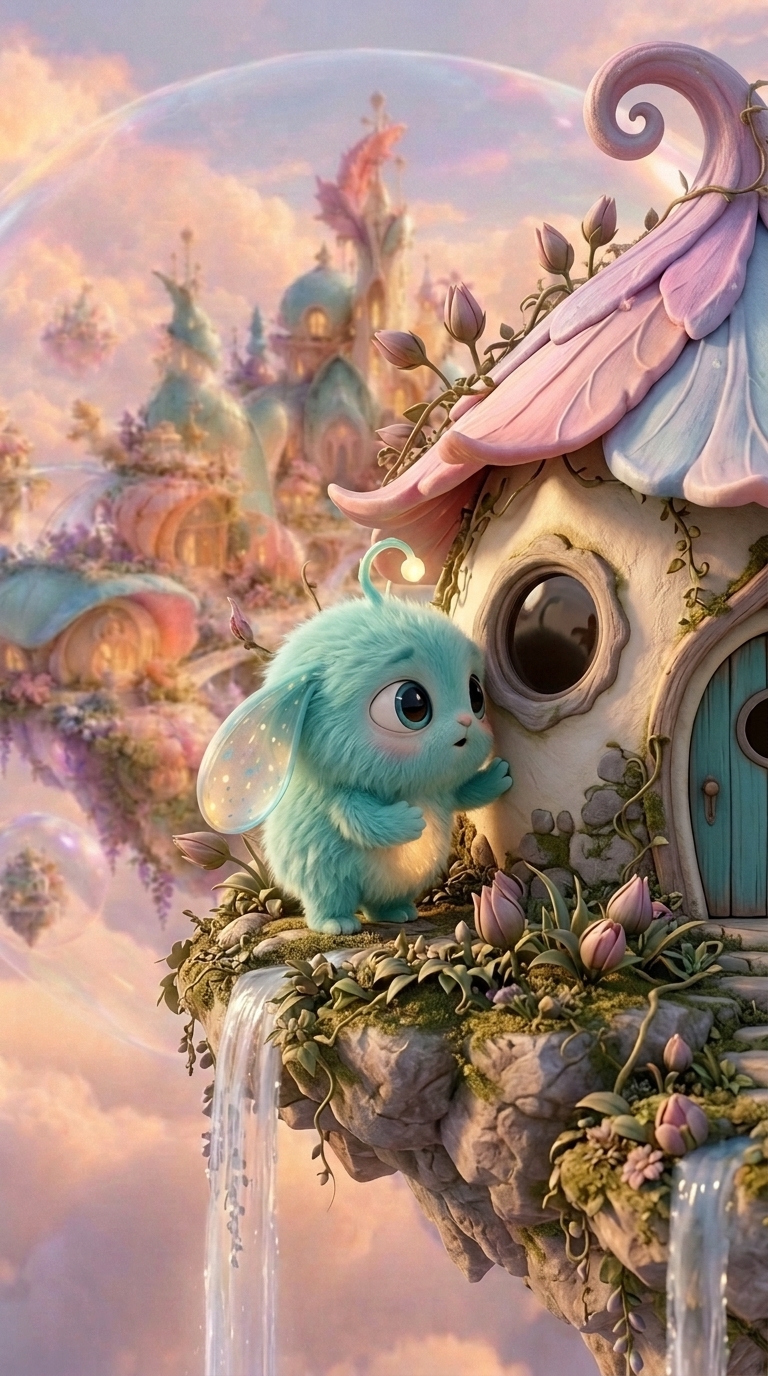
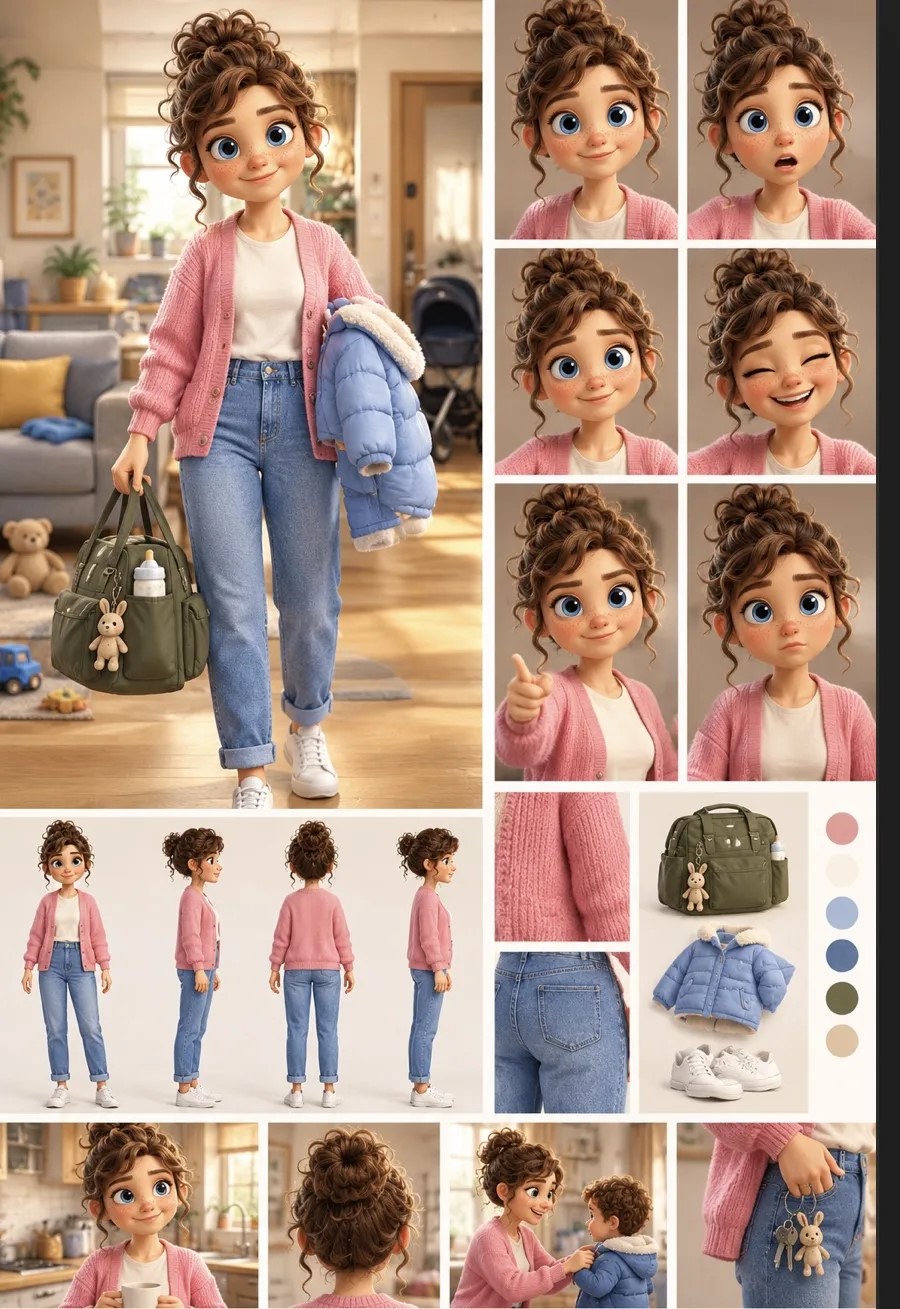
Use Image 1 as the BASE IMAGE to edit. Use Image 2 strictly as the CHARACTER SCALE REFERENCE for Tilly.
CHARACTER SCALE CORRECTION — TILLY:
Adjust only Tilly's overall size in Image 1 so that his apparent height, body volume and proportions exactly match Tilly in Image 2.
Tilly must have the same visual scale as in the approved fourth scene. Preserve his original round body shape, fluffy turquoise fur, large translucent glowing ears, curved antenna with a glowing tip, facial features and warm glowing spot on his chest.
IMPORTANT:
- Do not redesign Tilly.
- Do not change his pose or facial expression unless absolutely necessary for the size adjustment.
- Do not enlarge or shrink any other character.
- Do not change the composition or camera perspective.
- Do not modify the house, window, island, flowers, waterfalls, lighting or background.
- Preserve all existing details and visual style.
This is a precise character scale adjustment, NOT a new scene generation.
The final result must look like the same Tilly from Image 2, appearing consistently scaled across consecutive animation frames.