Image - 2026-11-08 07:01
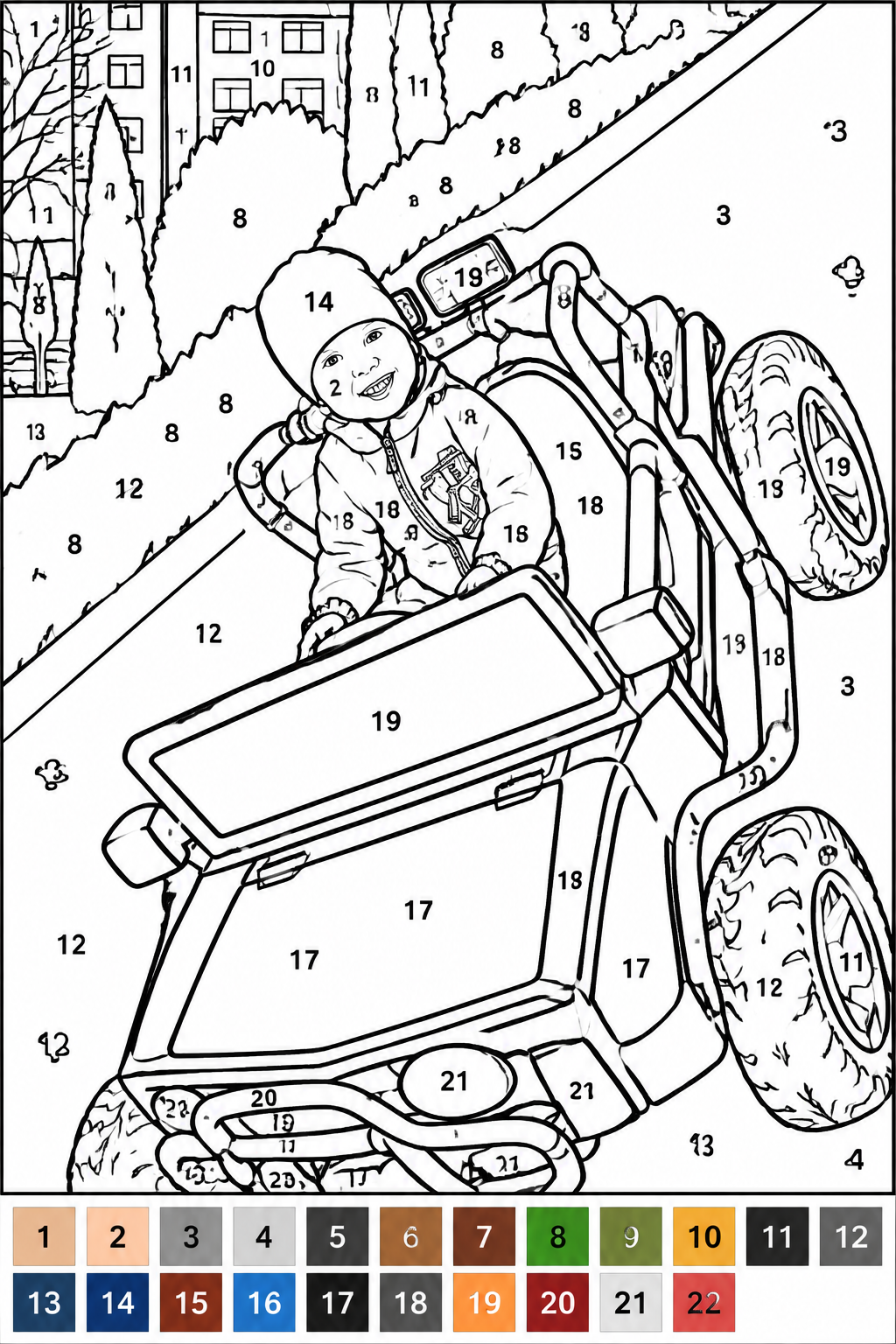
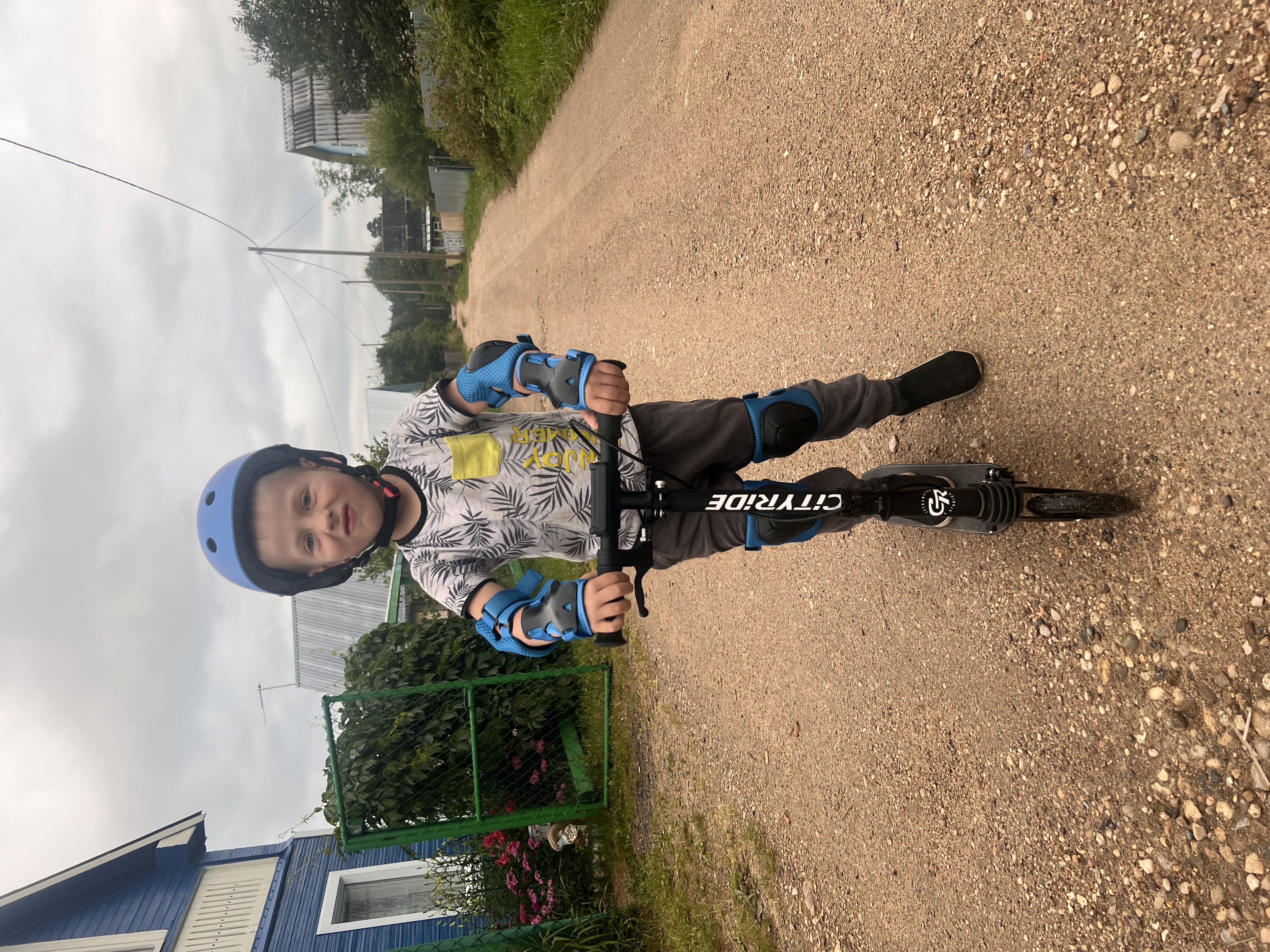
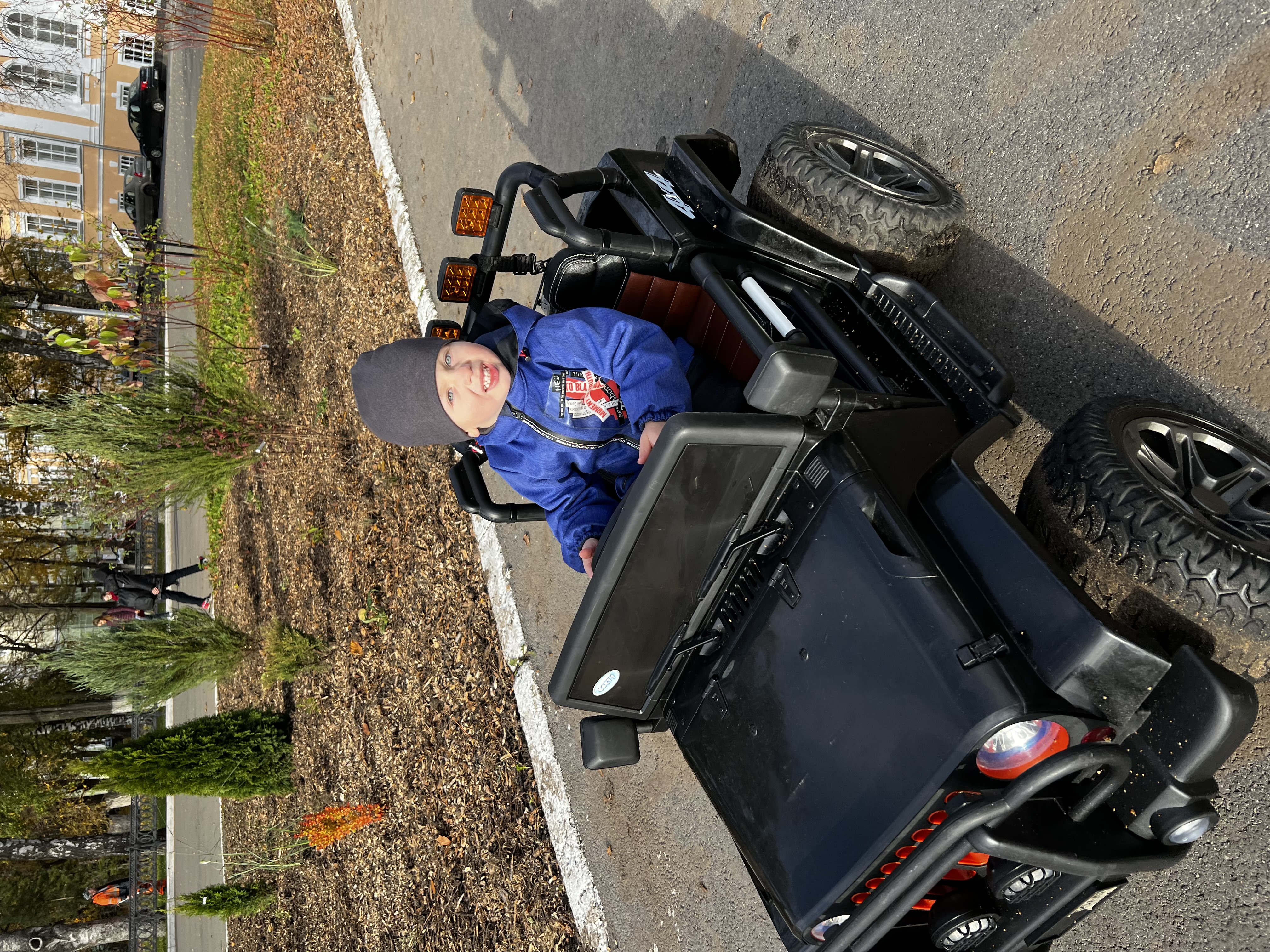
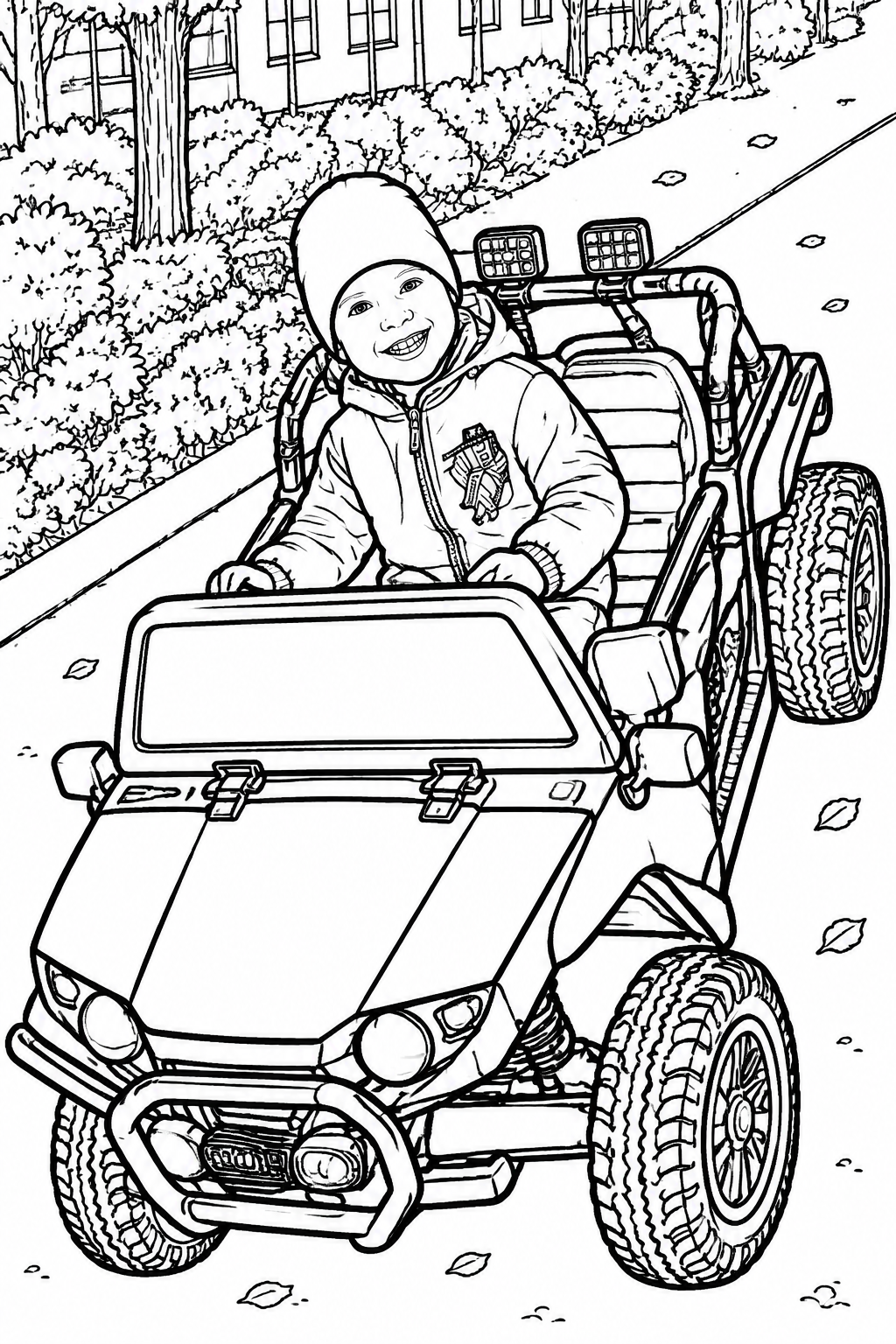
Transform the uploaded photograph into a professional, print-ready **BLACK-AND-WHITE PAINT-BY-NUMBERS COLORING PAGE**. Use the uploaded photograph as the ONLY reference. Preserve the original image as accurately as possible. ### 1. Preserve the Original Image - Keep the exact original composition, people, animals, objects, background, positions, proportions, clothing, facial features, and all recognizable details. - Do NOT add, remove, replace, move, or invent anything. - Do NOT change people's appearance, expressions, poses, or identities. - Do NOT creatively reinterpret the photograph. - Only simplify unnecessary tiny details while keeping the original scene recognizable. ### 2. IMPORTANT: COMPLETELY UNCOLORED IMAGE The main illustration MUST remain 100% BLACK AND WHITE. - Use pure white (#FFFFFF) inside EVERY coloring region. - Use black (#000000) outlines and black numbers only. - NEVER fill any area with color. - NEVER partially color, pre-color, shade, or paint any part of the illustration. - NO colored sections, NO gray areas, NO gradients, NO shadows, NO textures, NO watercolor effects. - Every single region intended for painting must remain completely white. - The illustration must look like a completely unfinished coloring page, ready for a child to paint. **CRITICAL: The color palette is the ONLY colored element allowed on the entire page. The main illustration must contain absolutely no color.** ### 3. Paint-by-Numbers Outlines Divide the photograph into clearly enclosed regions using clean black outlines. - Create large and medium-sized coloring areas. - Avoid tiny fragments and excessive detail. - Simplify small textures, individual hair strands, fabric patterns, and insignificant details. - Preserve important facial features, clothing shapes, and recognizable objects. - Keep all coloring regions enclosed and clearly separated. - Do not create unnecessary divisions inside large objects. ### 4. Numbering System Place a small, clearly readable black number inside every coloring region. - Use sequential numbers starting from 1. - Each number must correspond to exactly one color. - The same color must always use the same number. - Place numbers inside their respective white regions. - Do not overlap outlines, facial features, or important details. - Make numbers readable without dominating the illustration. - Do not leave major coloring regions without numbers. ### 5. Accurate Color Palette Create a separate color palette at the bottom of the page. - Use approximately 15–25 colors, depending on the original photograph. - Each color swatch must contain its corresponding number. - Match colors as closely as possible to the original photograph. - Preserve natural skin tones, hair colors, clothing colors, and background colors. - Identical colors must always use identical numbers. - Every number in the illustration must have a matching color swatch. The palette must be completely separate from the main illustration. ### 6. Print-Ready Layout - Vertical A4 format. - High-resolution printable quality. - White background. - Black outlines and black numbers only in the main illustration. - Color swatches ONLY in the separate palette at the bottom. - Sufficient white margins. - No decorative elements, watermarks, logos, or unnecessary text. ### FINAL NON-NEGOTIABLE REQUIREMENTS 1. The main illustration must be completely uncolored. 2. Every coloring area must be pure white with black outlines. 3. Only black numbers are allowed inside the illustration. 4. Color is permitted ONLY in the separate color palette. 5. Do not add, remove, or modify any objects from the original photograph. 6. Simplify tiny details without changing the original composition. 7. Ensure exact consistency between the numbers and the color palette. **FINAL RESULT: A completely BLACK-AND-WHITE, UNCOLORED paint-by-numbers coloring page based on the original photograph, with numbered white regions and a separate colored palette. It must be ready for printing and manual coloring.**

Free to start · Generate videos and images with AI in seconds
More from this creator
More GPT Image 2 images
См. все →