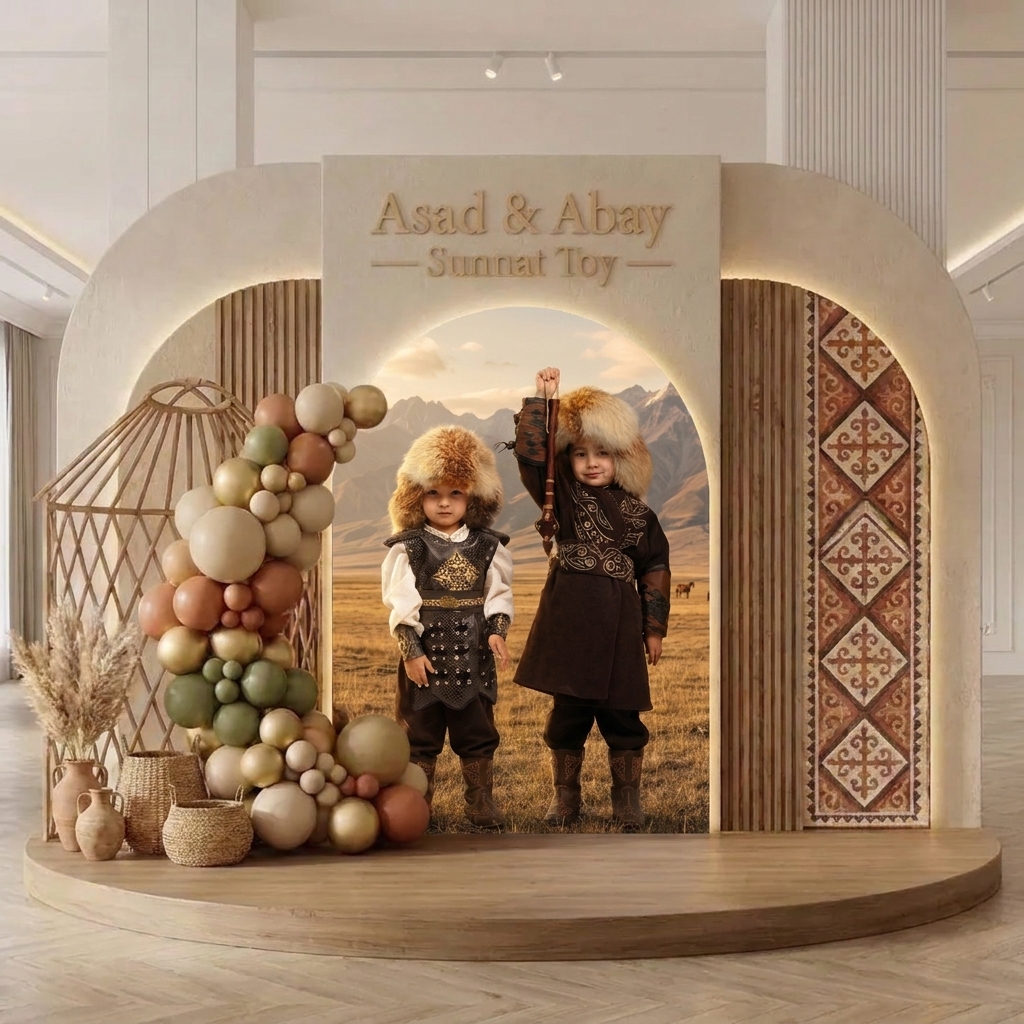
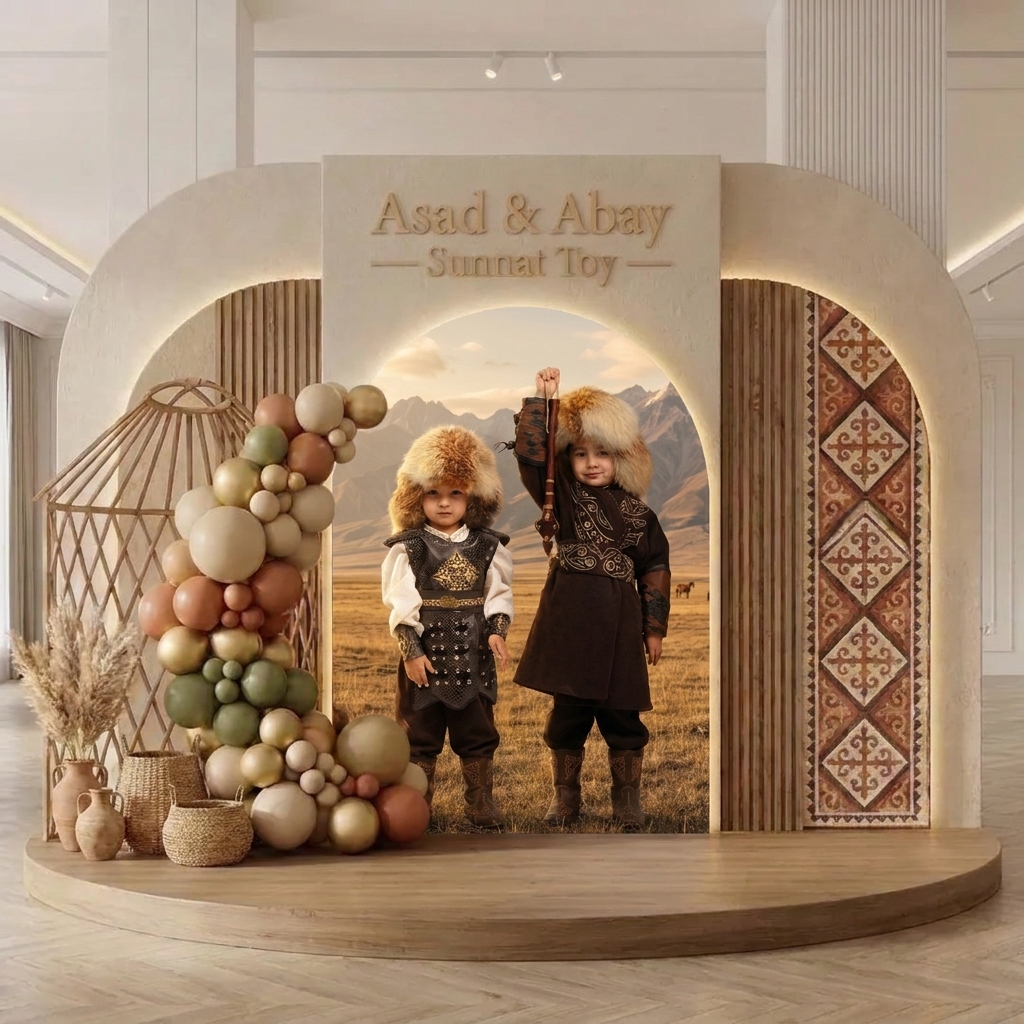
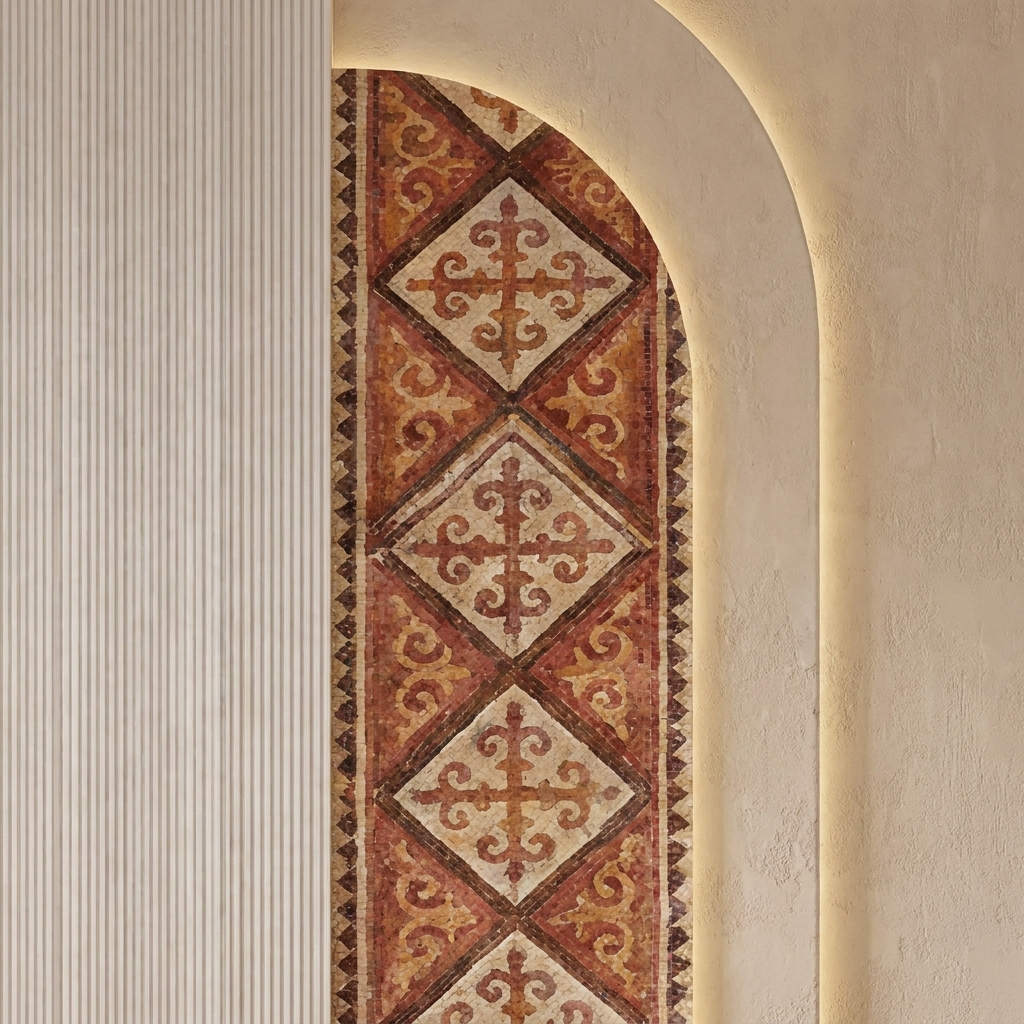
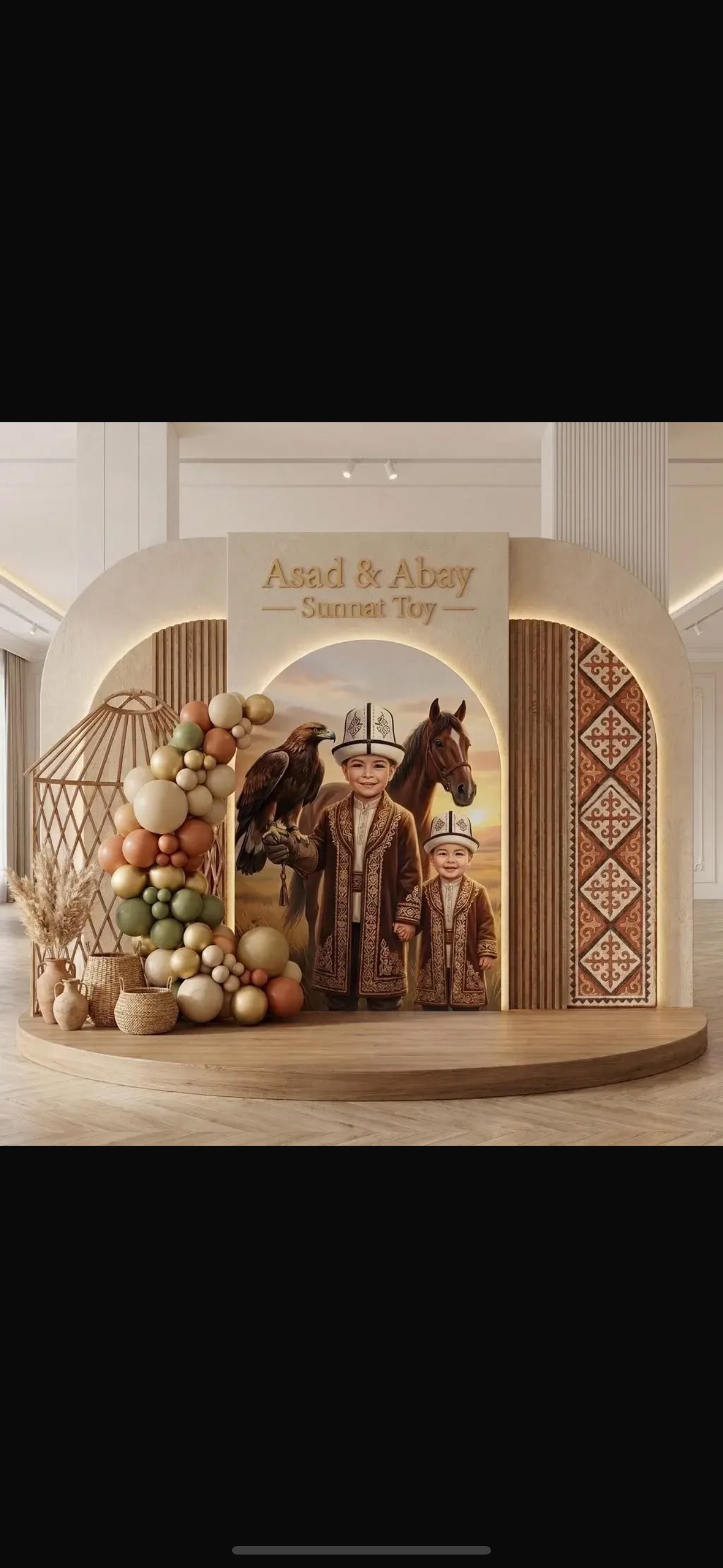
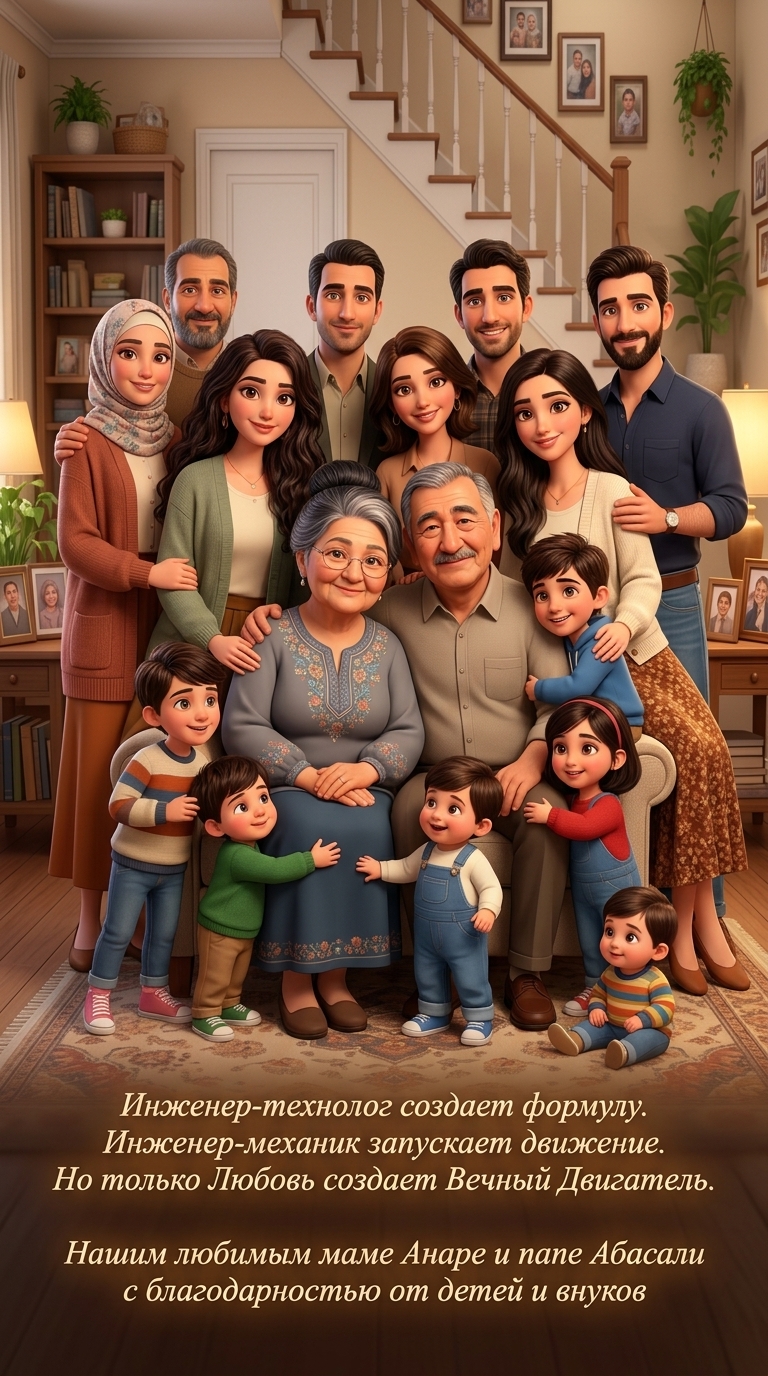
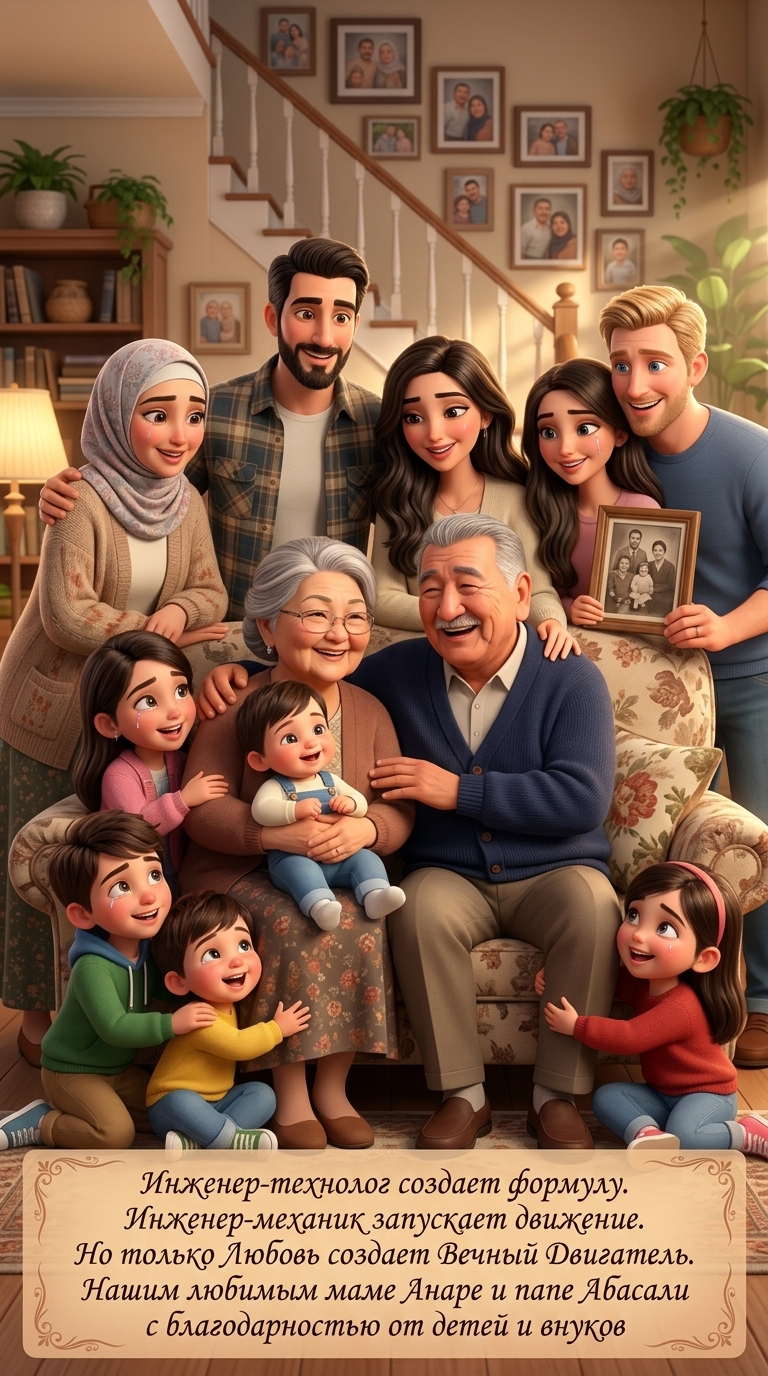
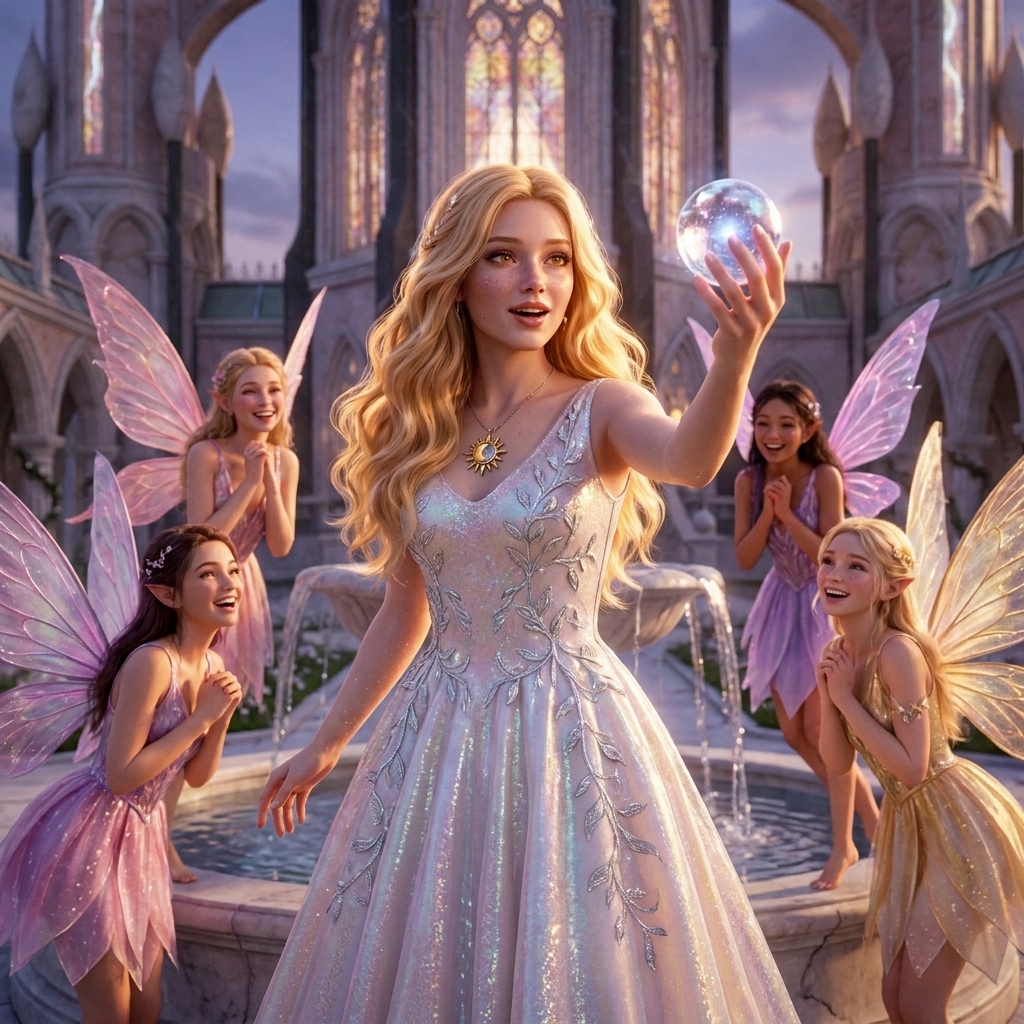
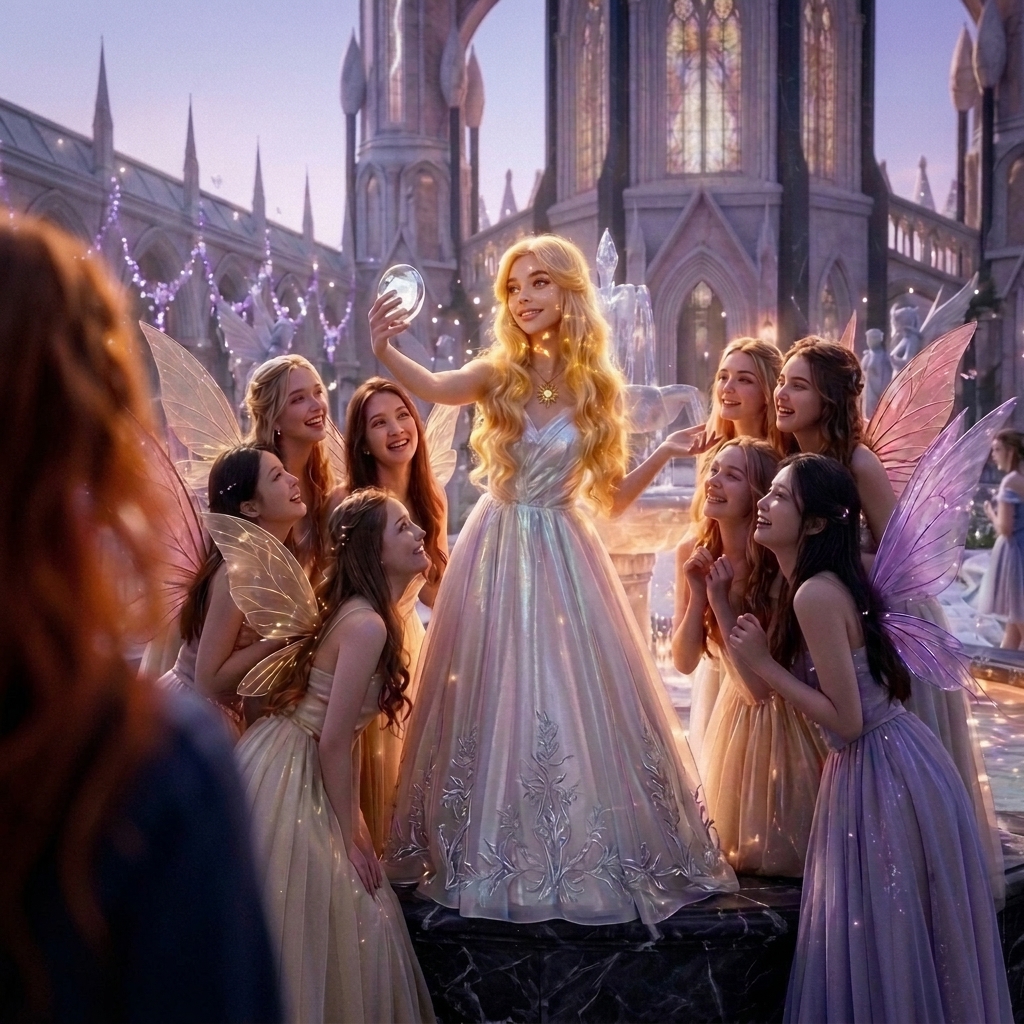
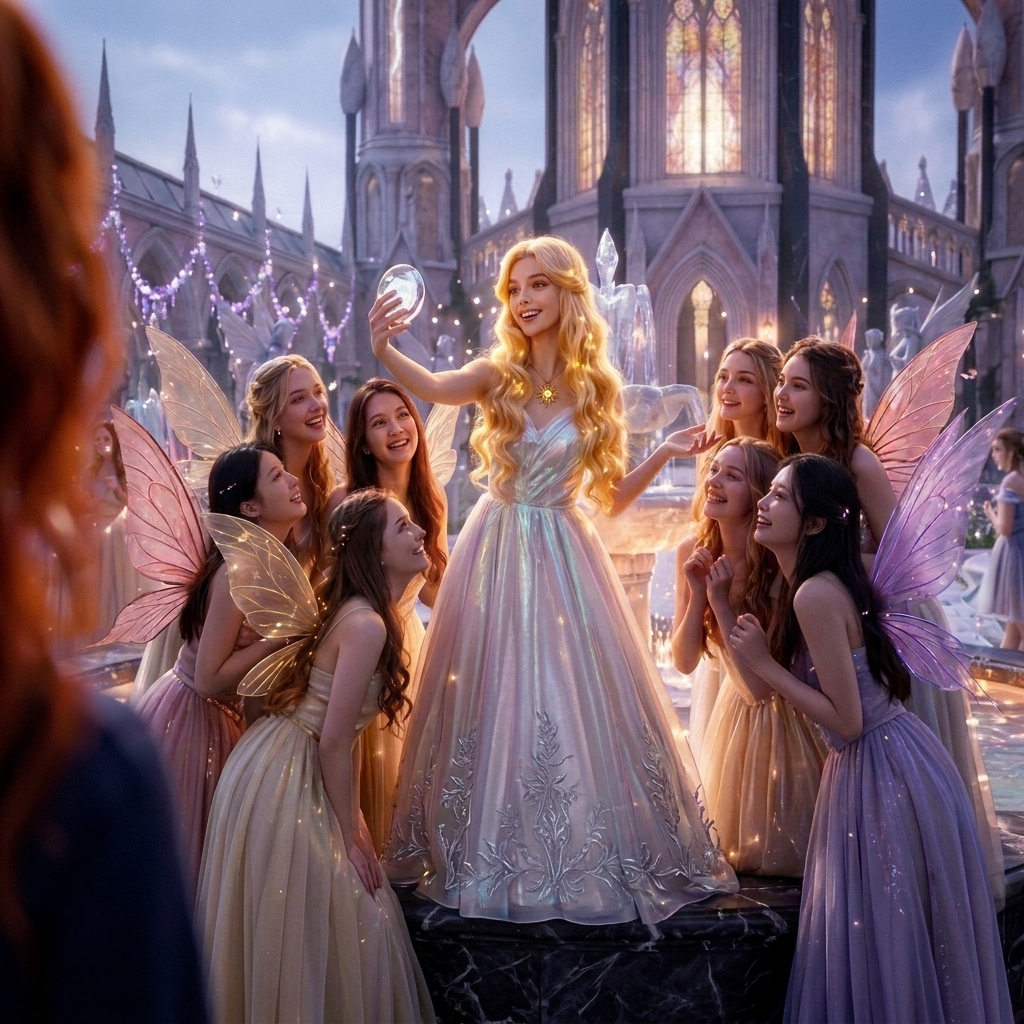
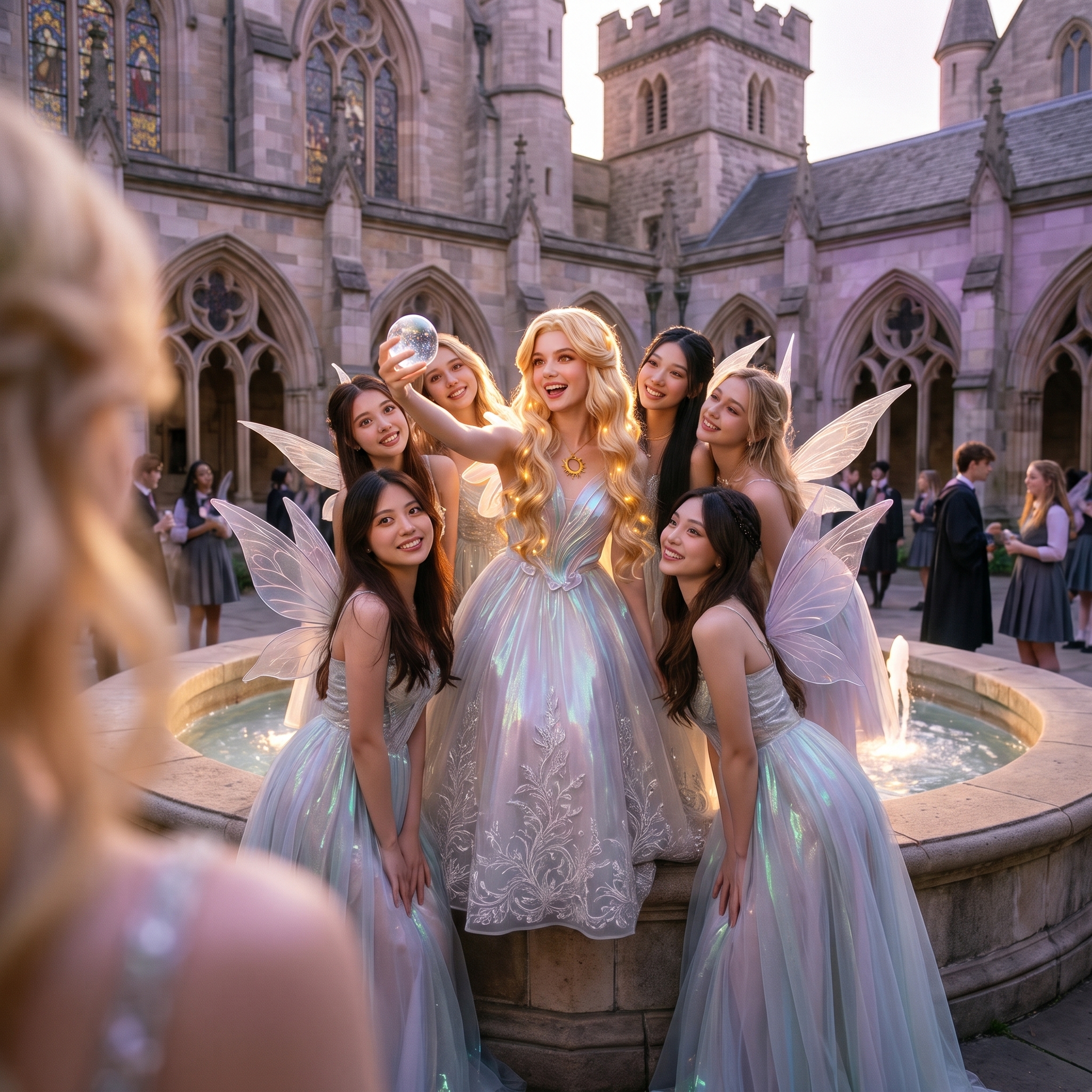
Use the SECOND uploaded image as the base photo-zone mockup and preserve its entire structure, layout, dimensions, materials, colors, lighting, decorations, camera angle, and surrounding environment. Take the FIRST uploaded image exactly as supplied and insert it into the designated central photo/banner area of the photo-zone mockup in the second image. Do not edit, retouch, redraw, crop, recolor, or otherwise alter the first photo or the people and details in it; preserve it as an unchanged, complete rectangular image. Fit and position the full first photo naturally inside the central banner area, with perspective and scale matching the physical mockup, as if it were printed and mounted there. Only adapt the placement/outer fit to the banner surface; do not change any content within the first photo. Keep all other parts of the second photo-zone image unchanged. Photorealistic, seamless print integration.