
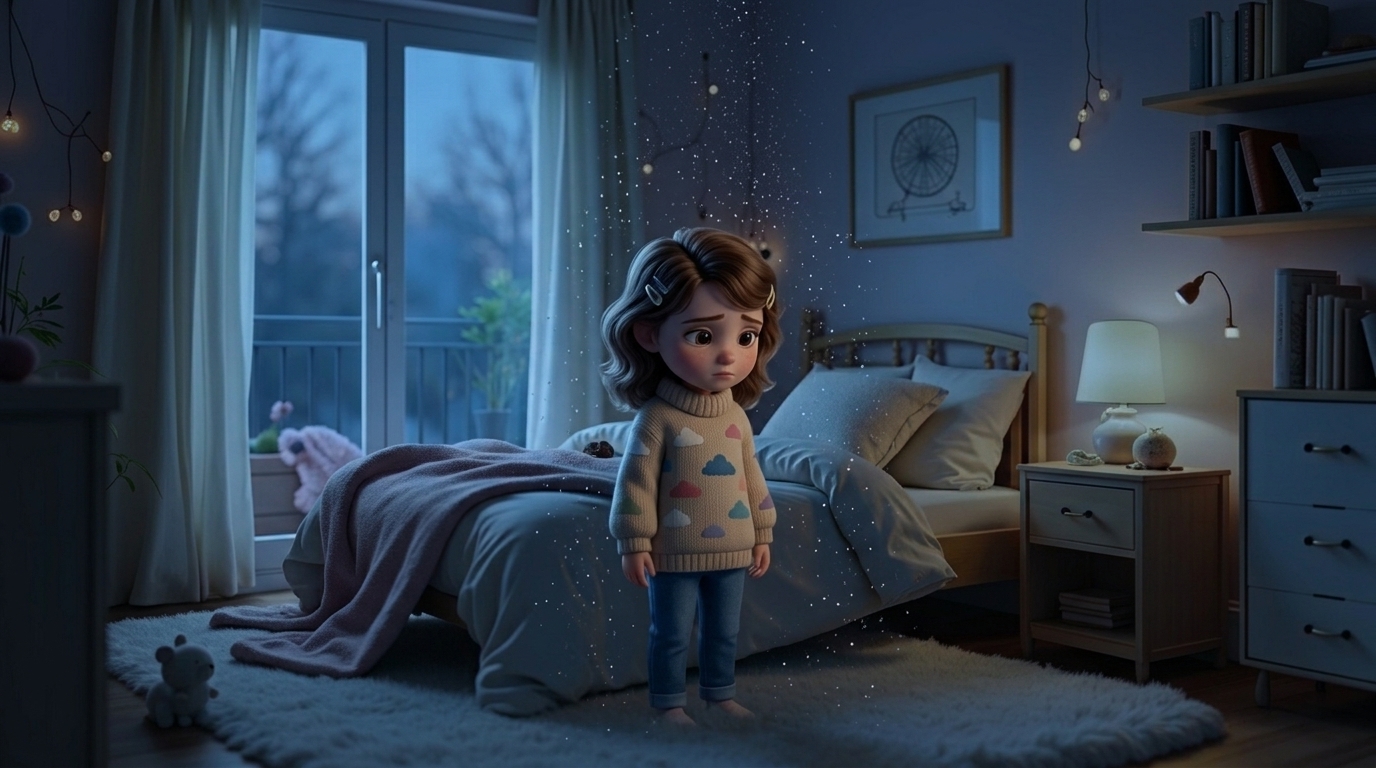

Use the EXACT SAME uploaded Lumi reference image in EVERY frame of the animation. Lumi MUST remain 100% visually identical during the ENTIRE scene. DO NOT: — redesign Lumi, — stylize Lumi differently, — change proportions, — change body shape, — change textures, — change colors, — change glow, — change eyes, — change face structure, — change size, — generate a new version of Lumi. Lumi’s bod...
Free to start · Generate videos and images with AI in seconds