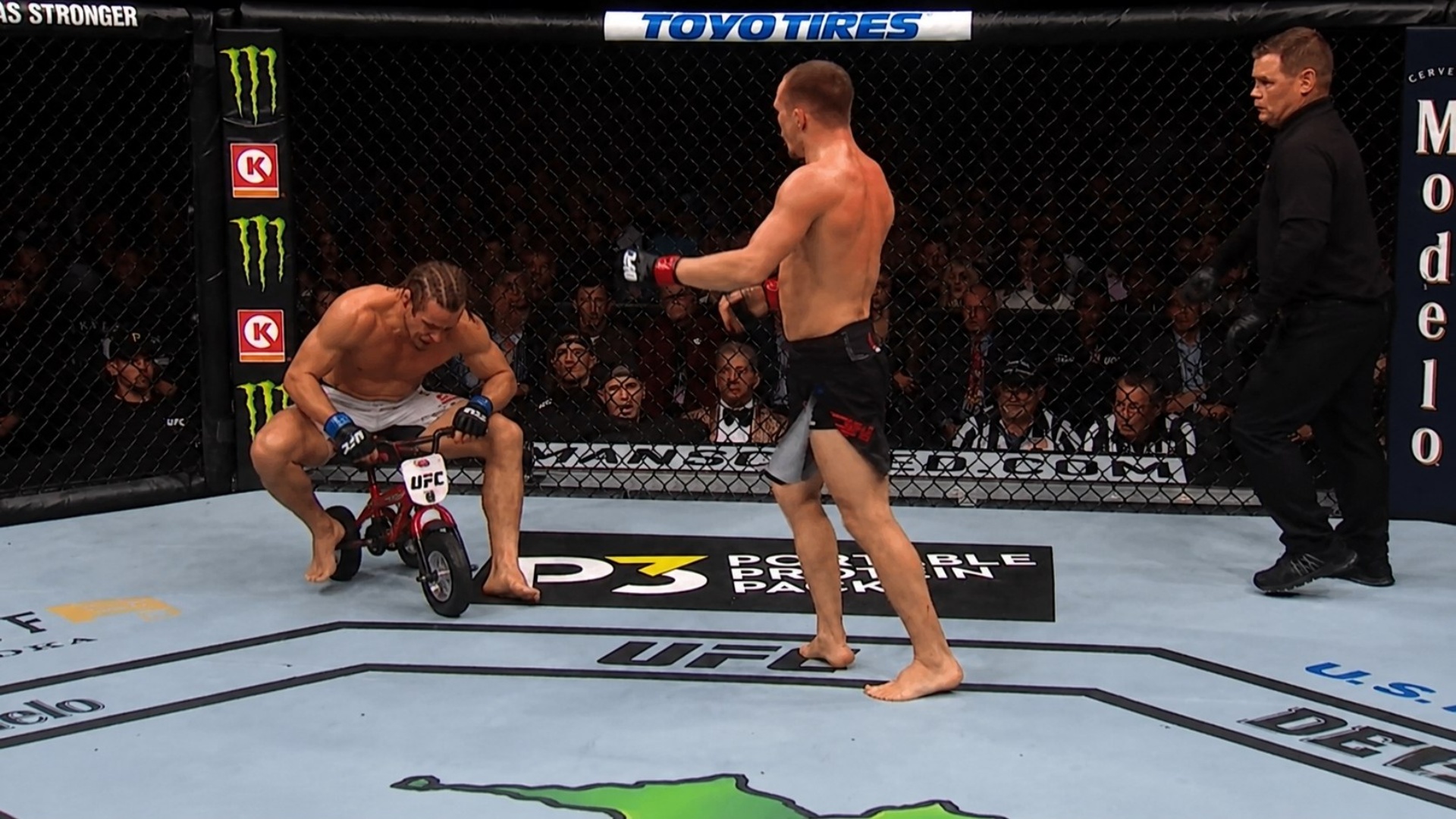
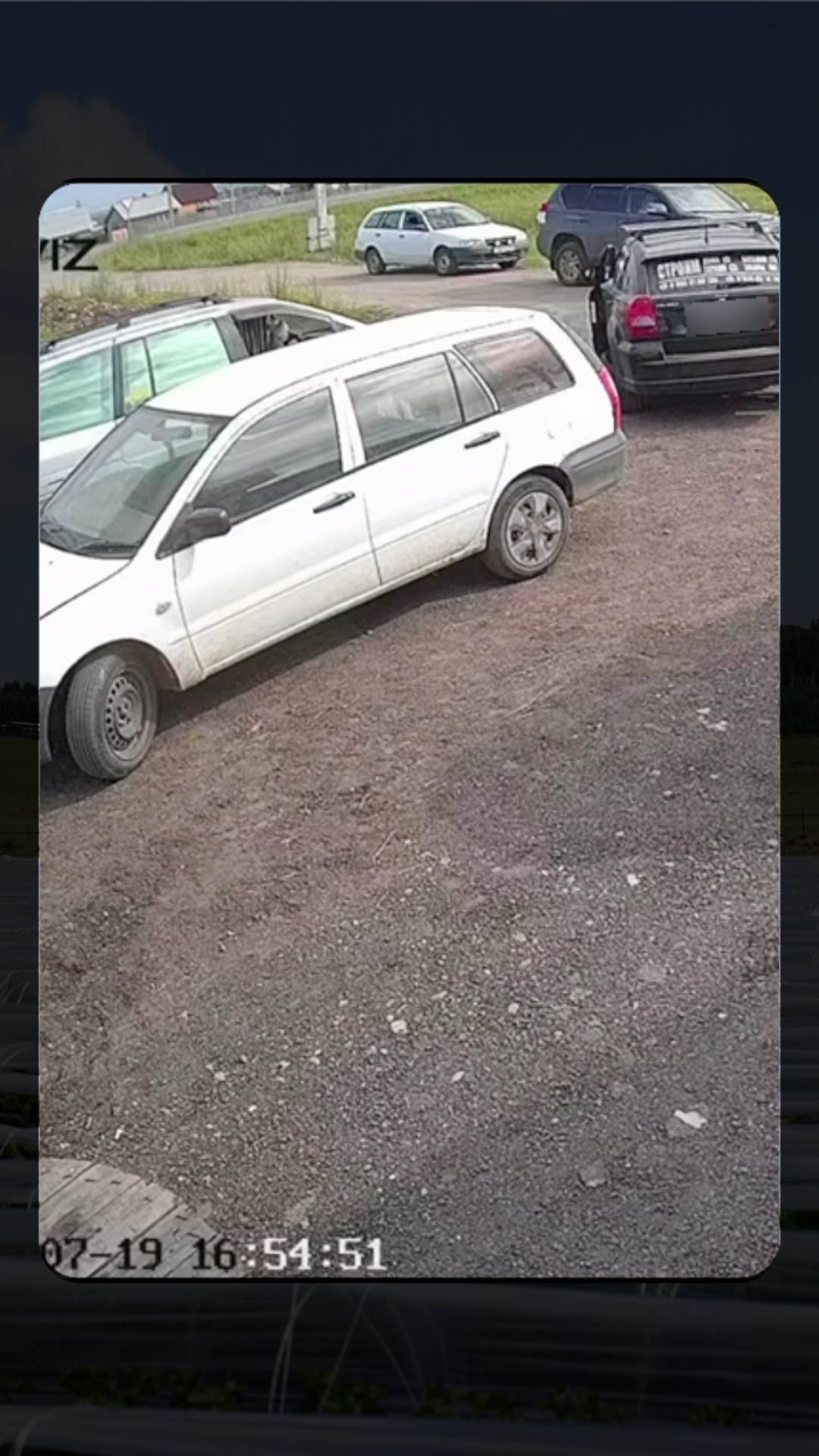
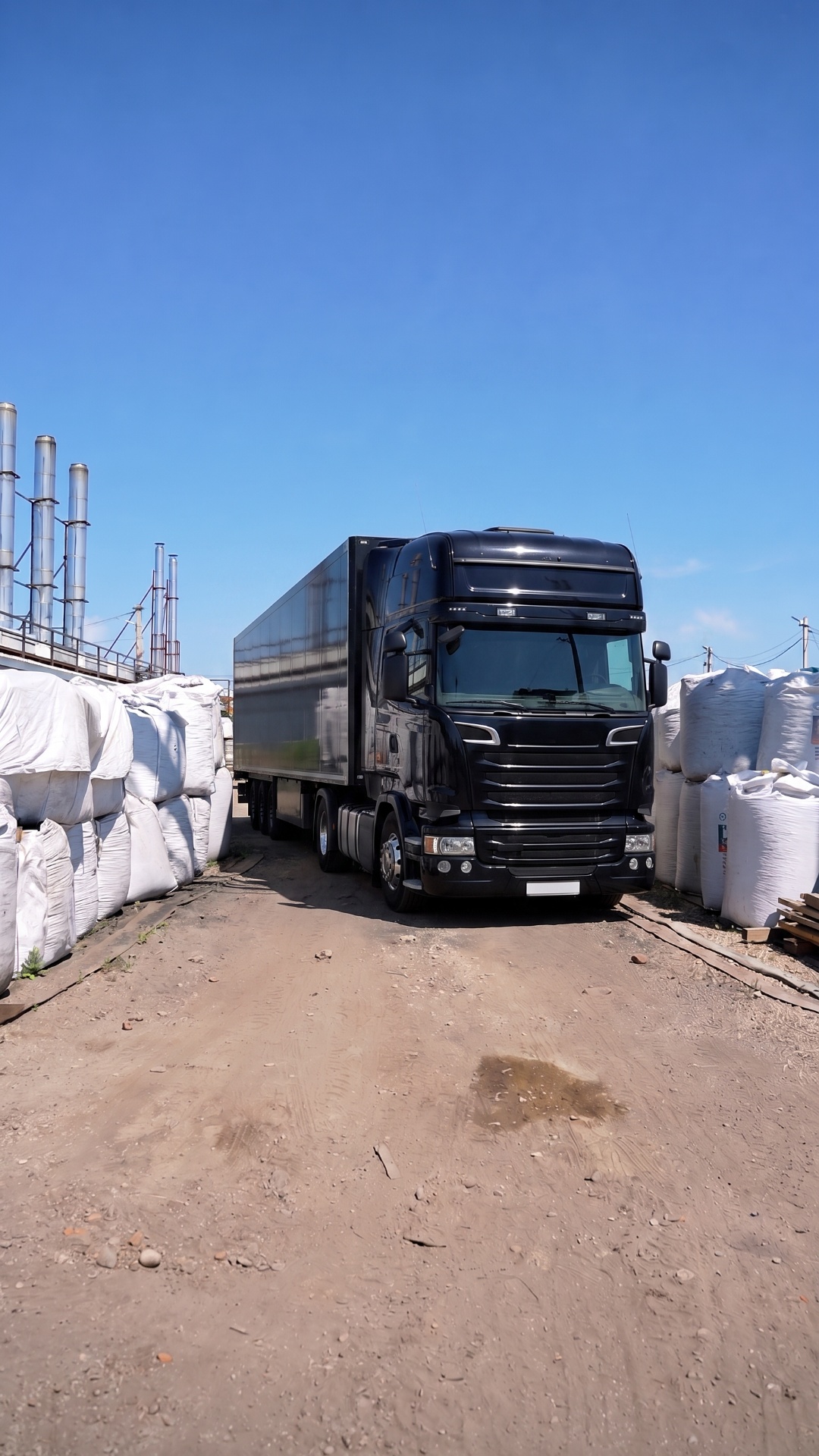
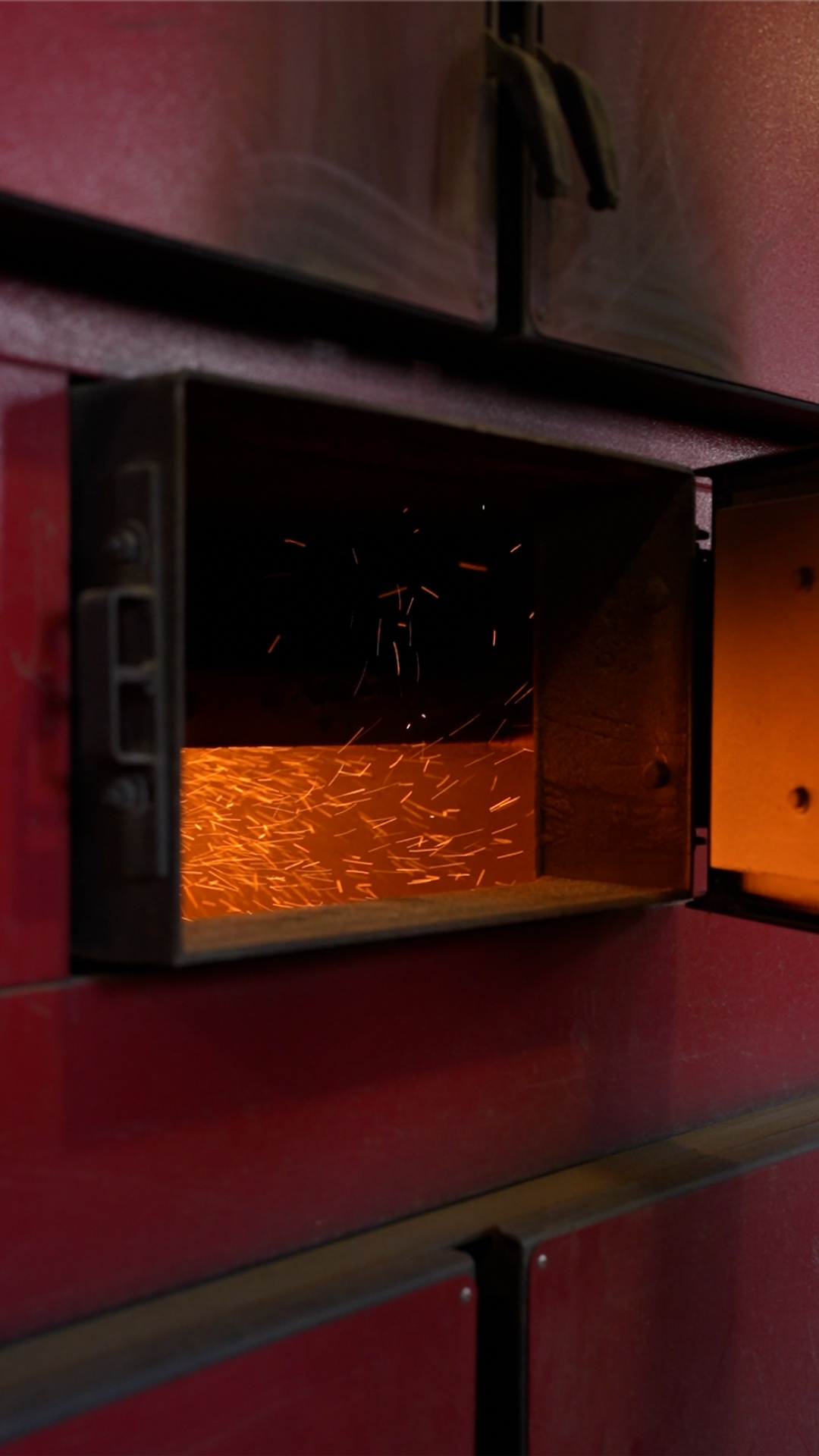
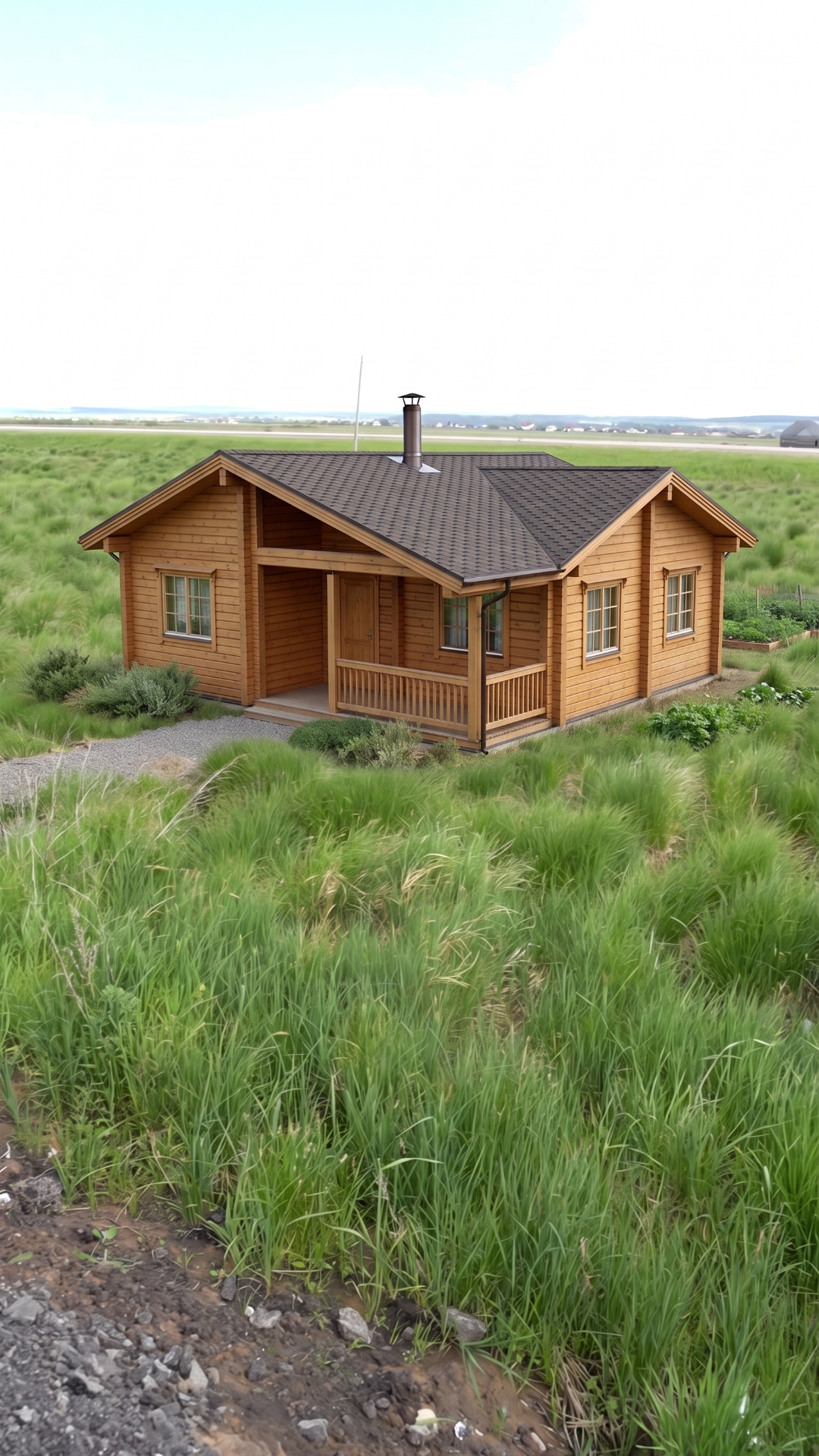
Use Image 1 as the exact first frame.
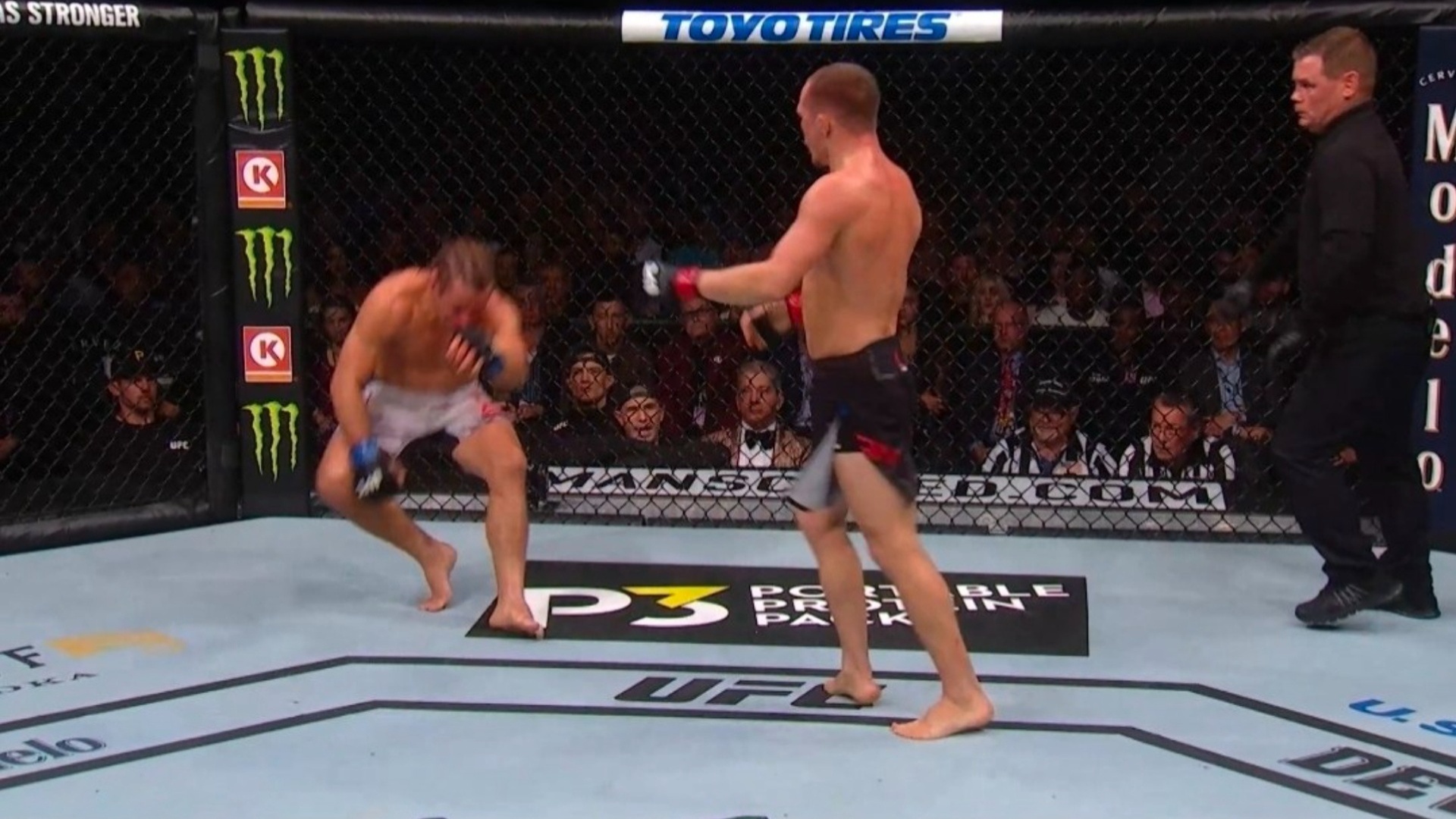
Use Image 2 as the exact final frame.
The entire video is a smooth continuous transition from Image 1 to Image 2.
The transition starts immediately on the first frame. Do not hold the first image.
Keep the camera locked to the same broadcast angle. Only a very subtle forward camera push is allowed. No pan, tilt, orbit, zoom, cuts or reframing.
...